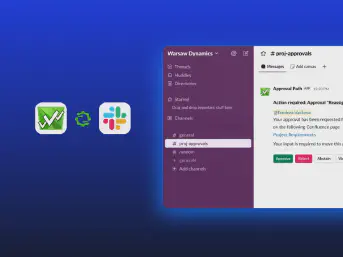





Bring externals to the team
Join clients, vendors, or other external stakeholders in the decision without giving them Jira access.

Approval Path for Jira
Create multi-step Jira approval processes with dynamic approvers, conditions, automation, external participants, AI, and audit history across Jira and JSM.
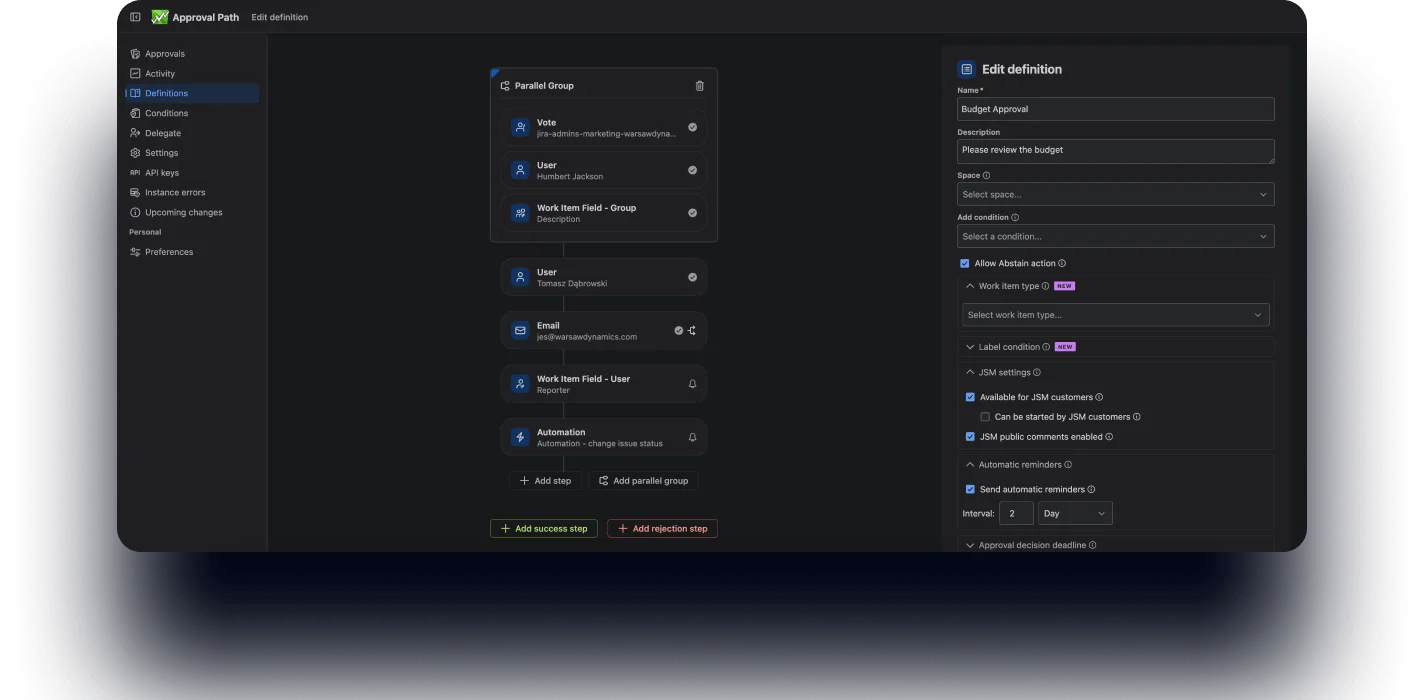
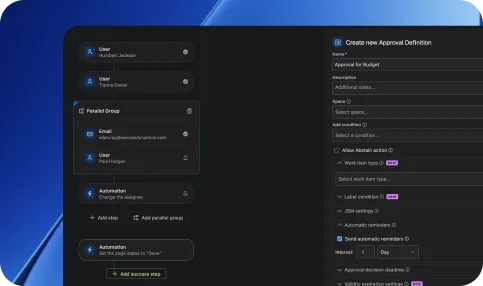
Go beyond Jira’s native limitations and design approval paths that match your real processes. Create multi-step flows with full control over logic, structure, and participants.
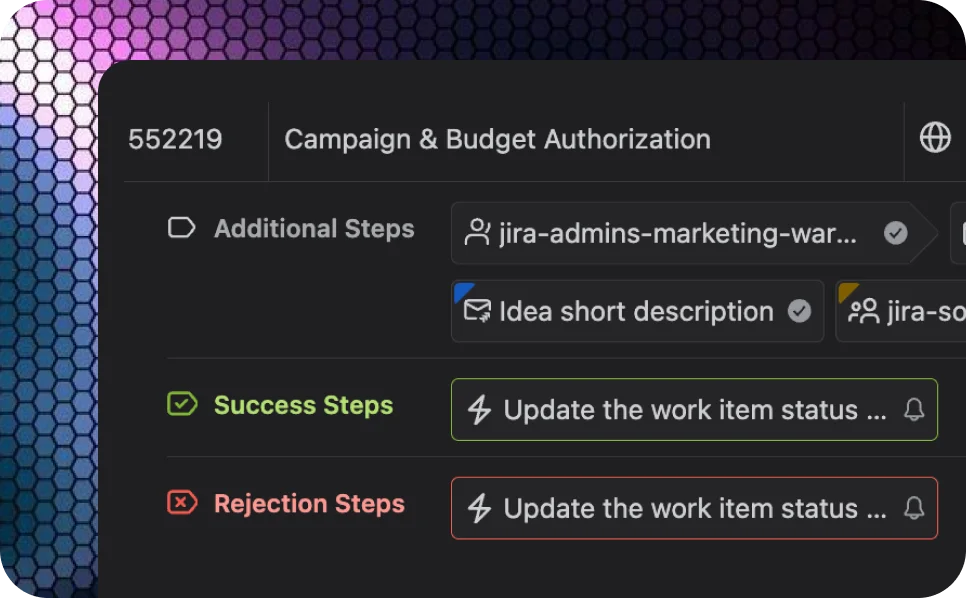
Track every approval step in real time with clear status visibility, and maintain a detailed audit trail of every decision, approval, and action.

Handle any advanced approval scenario, and include the tooling you rely on – approve from Jira, email, Slack, or the JSM portal.
Join clients, vendors, or other external stakeholders in the decision without giving them Jira access.
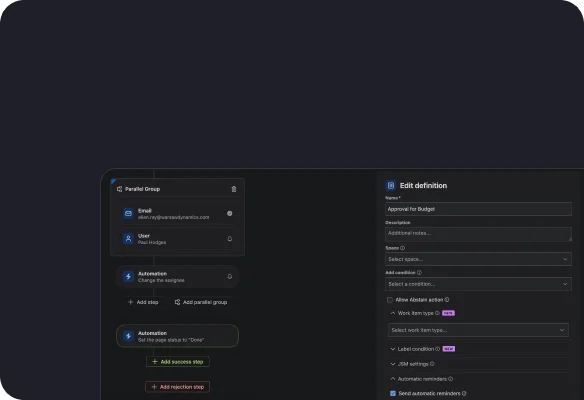
Choose users, groups, or emails and define approval logic — sequential, parallel, or conditional.
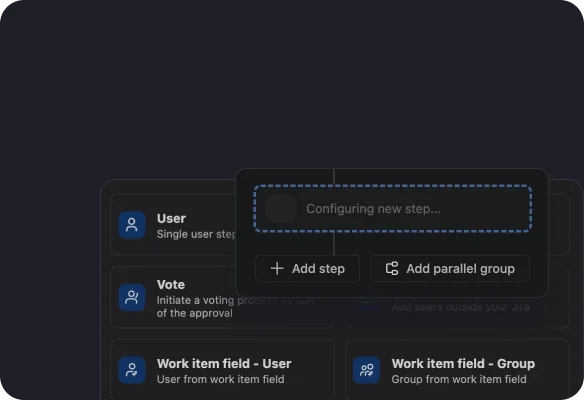
Trigger approvals automatically based on issue fields, priorities, or project conditions.
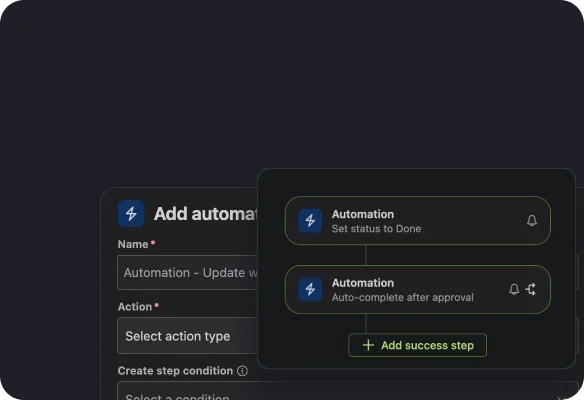
Monitor approvals in real time – track comments, decisions, and progress across your pages.

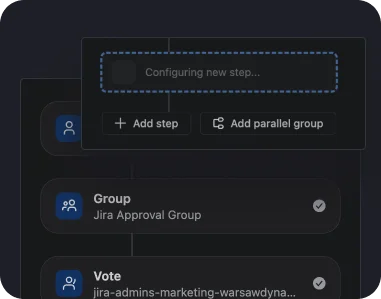
Create unlimited approval steps with flexible configurations and logic.
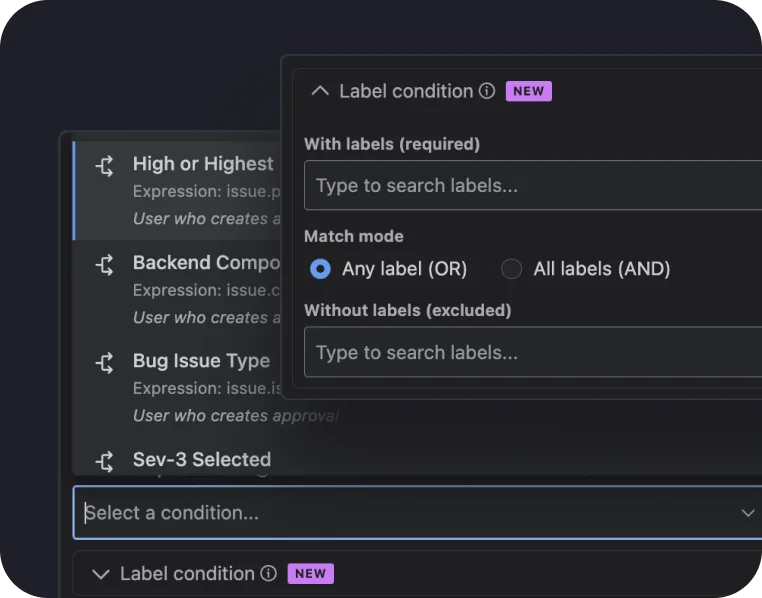
Trigger approvals based on work item data – priority, type, budget, or custom rules.
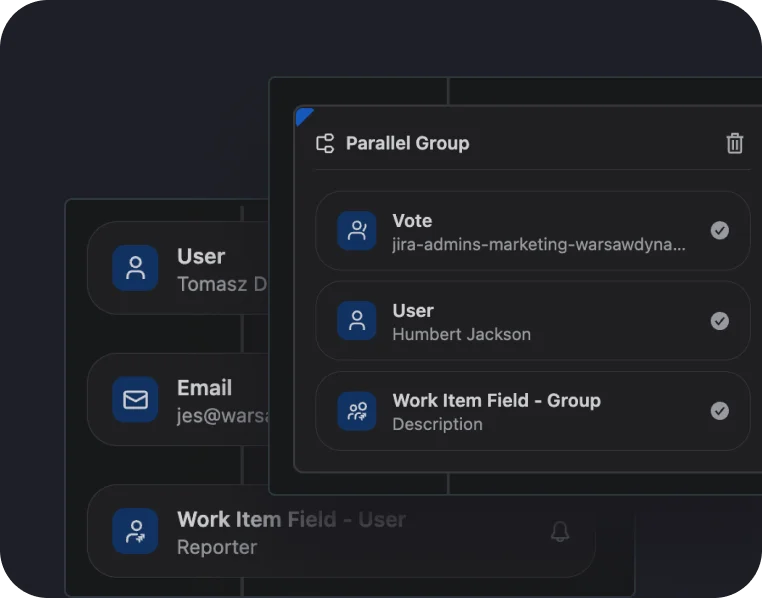
Run approvals in order or simultaneously depending on your workflow needs.
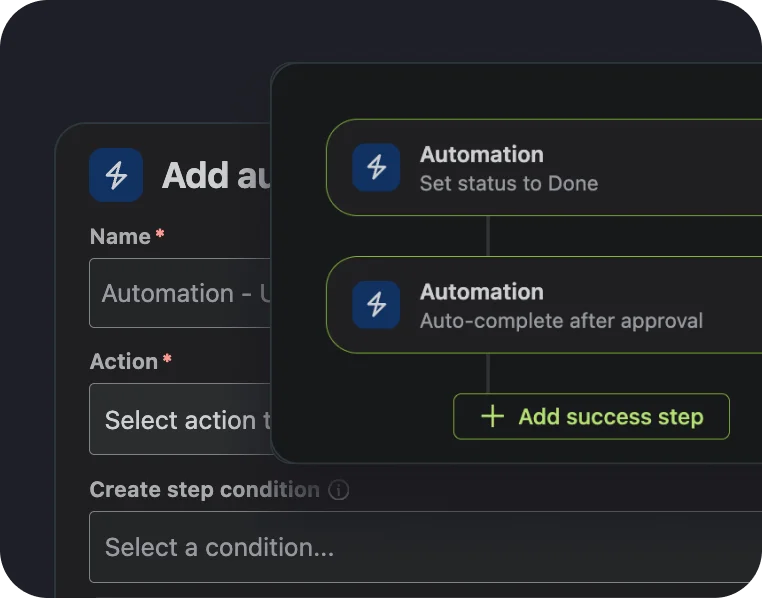
Automatically notify stakeholders and reduce manual follow-ups.
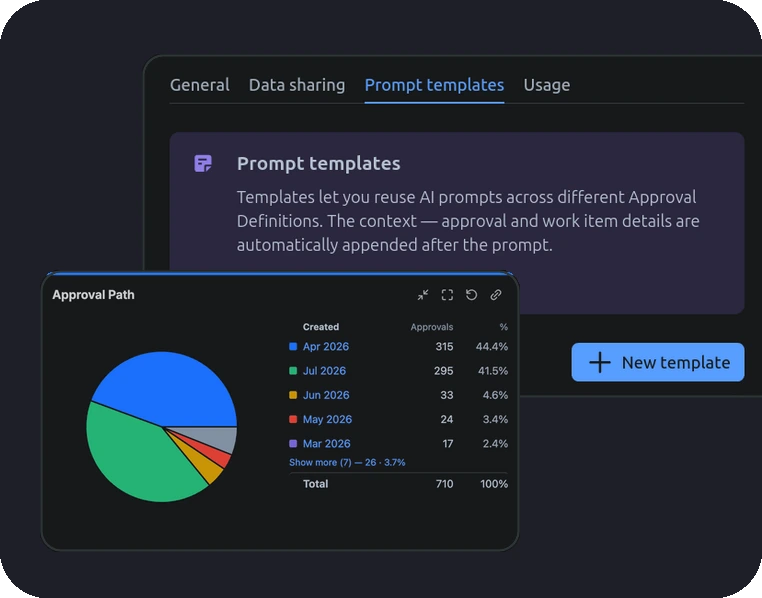
AI-assisted approvals and the Jira dashboard gadget bring the right context into focus, helping teams make faster, better-informed decisions.
Explore additional features designed to simplify approvals, improve control, and scale workflows.
Product development approvals: ensure features and changes are reviewed and approved before moving forward.
Financial approvals: control budgets, expenses, and purchases with mandatory approval.
Compliance workflows: maintain structured approval processes for audits, regulations, and governance.
Change management: approve critical changes before implementation to reduce risk.
Cross-team decision-making: align stakeholders across teams with transparent approval processes.
Approval Path for JiraInsights and stories that highlight our product evolution, customer success, and partner collaborations.
Automate review workflows and keep your content accurate, compliant, and up to date.