




Create a contract from any page
Turn any Confluence page into a contract or template with structured content and signer details.

Contract Signatures for Confluence
Simplify contract workflows in Confluence - eliminate manual processes, reduce delays, and keep every agreement structured, secure, and fully traceable.
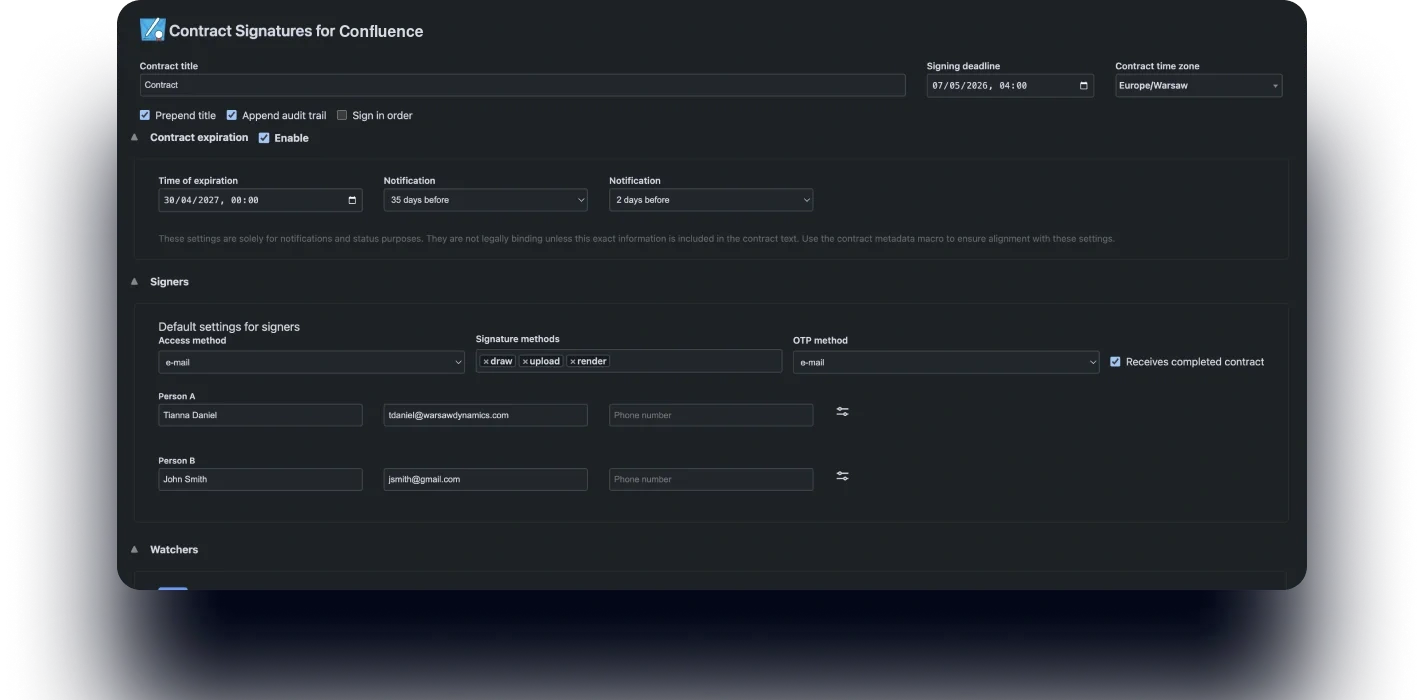
Create, send, and sign documents directly from Confluence pages – no exports or external tools required.
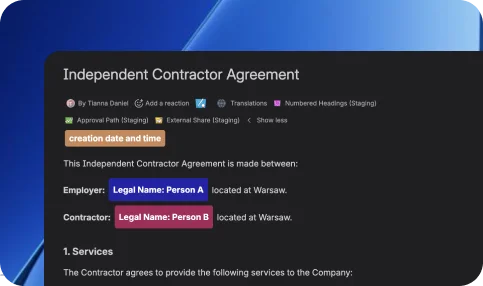
Track contract status at every step – see who signed, who’s pending, and what’s next.

Turn pages into contracts and manage agreements within your content and documentation workflows.
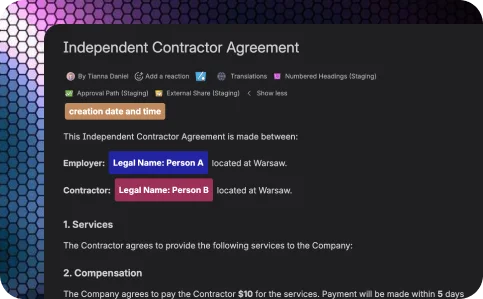
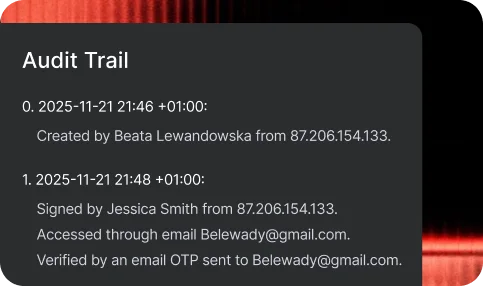
Ensure every signature is verified, timestamped, and stored securely with a full audit trail.
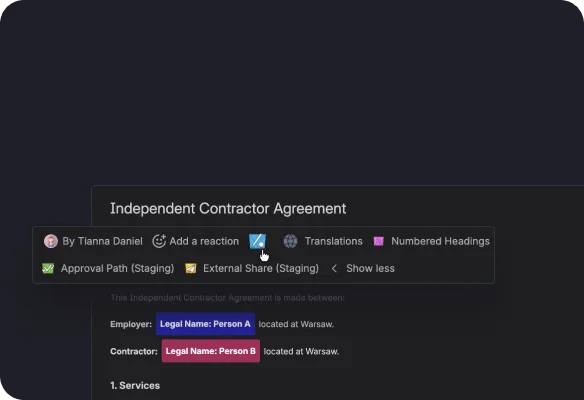
Turn any Confluence page into a contract or template with structured content and signer details.
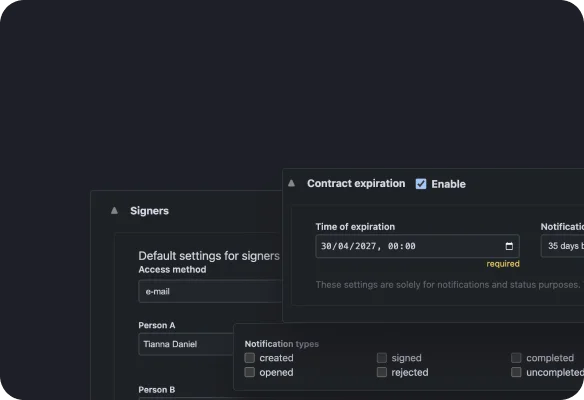
Define participants, signing order, and contract settings - all directly within your page in one place.
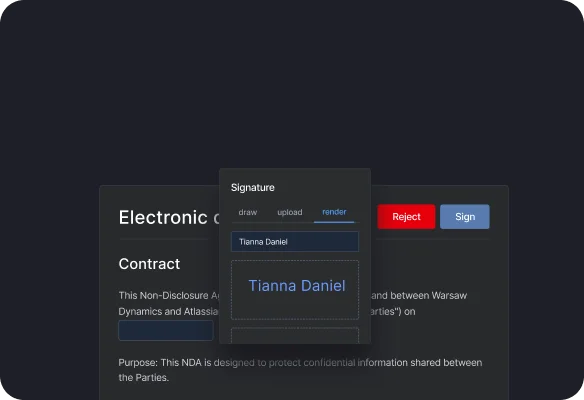
Send documents instantly - signers can review and sign from any device using signature methods.
Monitor progress in real time and generate signed documents with full audit certificates.

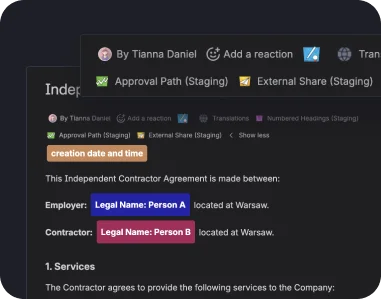
Turn Confluence pages into contracts without leaving your workspace.
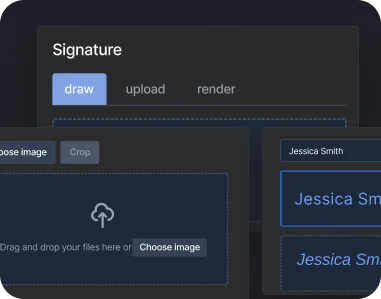
Sign contracts by drawing, uploading, or rendering signatures.
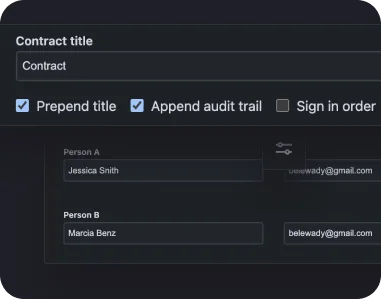
Add multiple participants, define signing order, and manage approvals seamlessly.
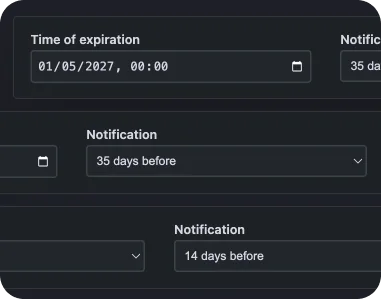
Notify signers automatically and keep documents moving without manual follow-ups.
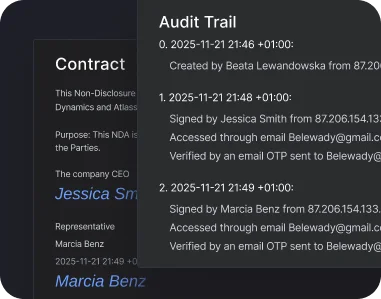
Generate legally valid documents with timestamps and verification.
Explore additional tools to customize document workflows and streamline signing in Confluence.
Document approvals: ensure pages and internal documents are reviewed and signed before publishing or sharing.
Client agreements: send contracts directly from Confluence and collect signatures without switching tools.
Compliance workflows: maintain secure and traceable signing processes for regulated documents and audits.
Vendor & procurement documents: manage supplier agreements, approvals, and signatures in one structured workflow.
Cross-team collaboration: align stakeholders with transparent signing processes across teams and departments.
Contract Signatures for ConfluenceInsights and stories that highlight our product evolution, customer success, and partner collaborations.
Send, sign, and manage contracts faster - without switching tools or losing control.