Select the Confluence page you want to share
Choose any Confluence page or content you want to share externally.

PDF Export for Confluence
Turn Confluence content into professional PDF documents with complete control over styling, layouts, headers, footers, and branding.
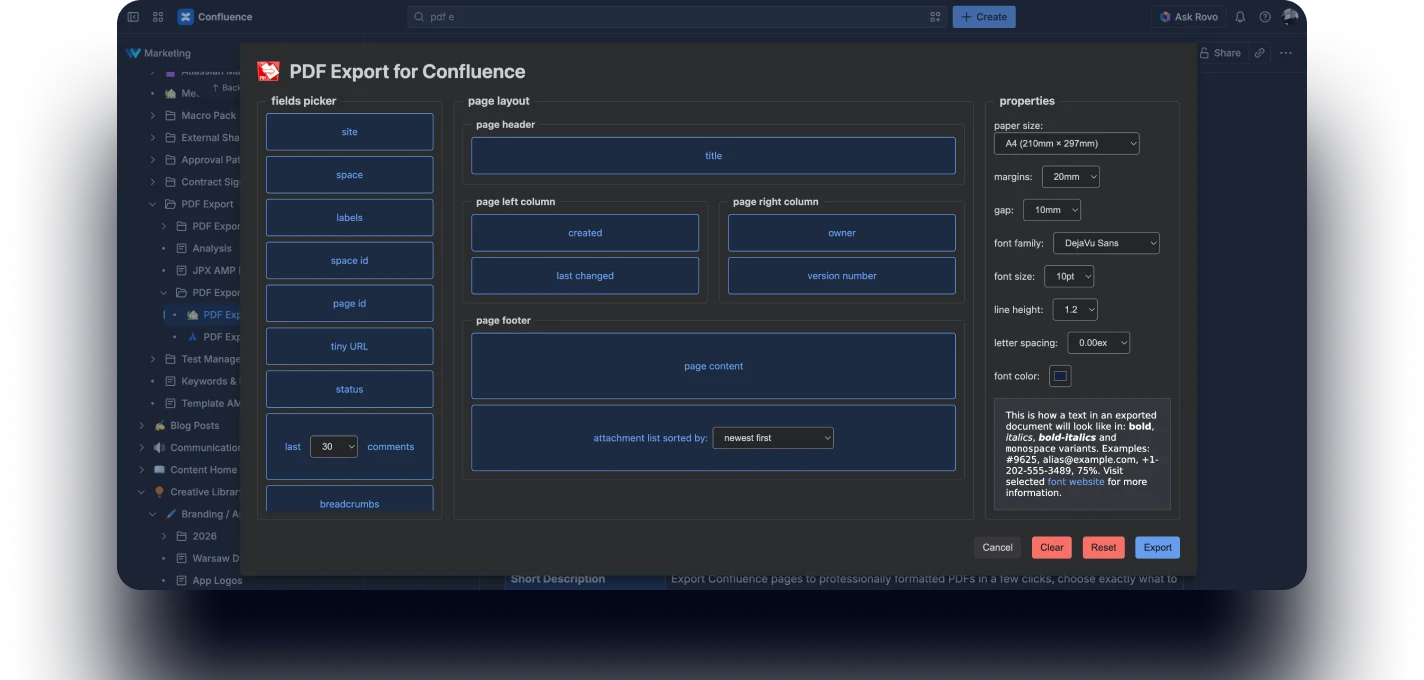
Export Jira issues in just a few clicks and generate clean, professionally formatted PDF documents.
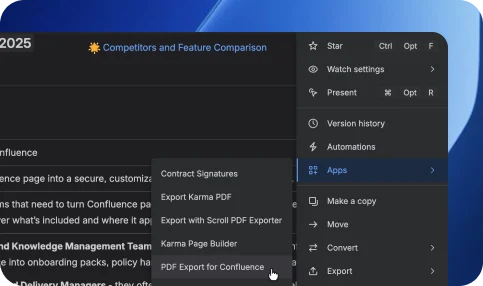
Choose which fields, comments, attachments, and metadata should appear in your exported documents.
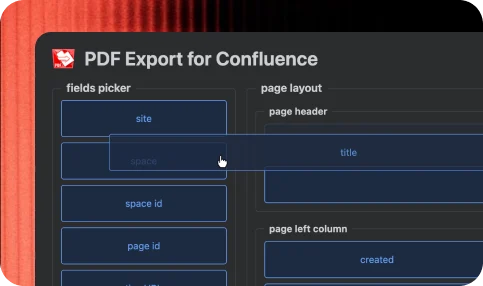
App focuses on simplicity and control. Easy to use, even for a beginner Confluence user.
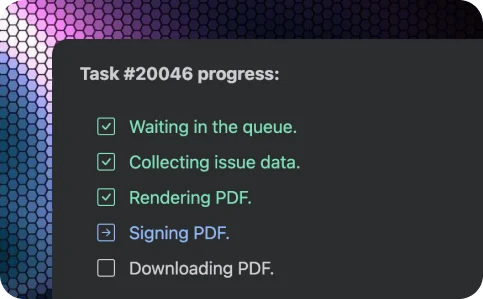
Every exported document is digitally signed, ensuring its authenticity and protecting it from unauthorized modifications.
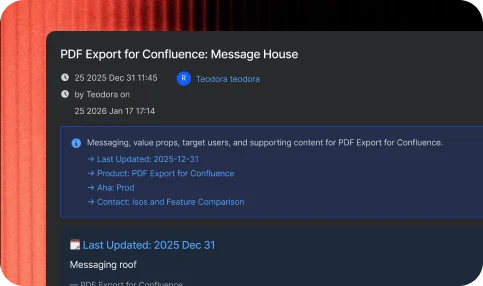
Choose any Confluence page or content you want to share externally.
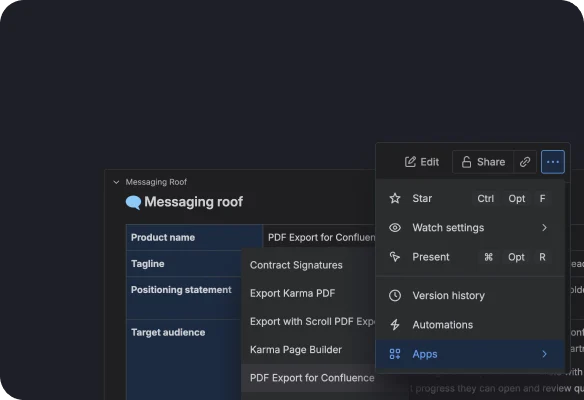
Define exactly what external users can see and do.
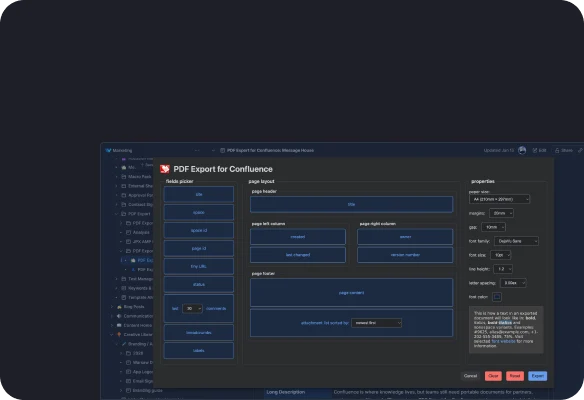
Share a protected link that gives external users instant access – no accounts required and no risk of exposing sensitive data or internal systems.
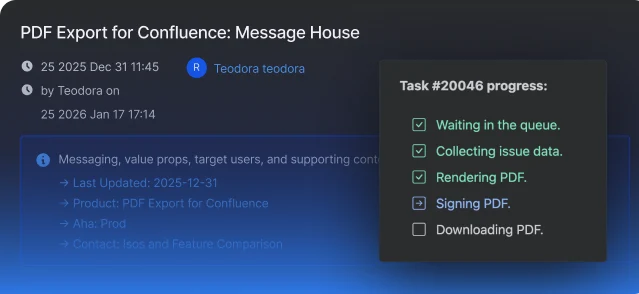
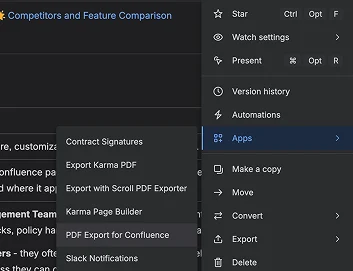
Turn Confluence pages into PDF documents quickly and without formatting headaches.
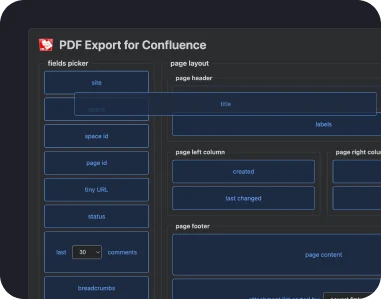
Control document styling, layouts and navigation support.
Unlock advanced features designed to make PDF generation faster, smarter, and more flexible.
Technical documentation exports: generate professional PDFs for documentation, manuals, and engineering knowledge bases.
Client-ready reports: turn Confluence pages into polished reports for stakeholders, partners, and customers.
Compliance & audit documents: export policies, procedures, and regulated documentation in a structured PDF format.
Knowledge base distribution: share internal knowledge and documentation outside Confluence in a portable format.
Cross-team reporting: standardize exported documents across teams with reusable layouts and branding.
PDF Export for ConfluenceInsights and stories that highlight our product evolution, customer success, and partner collaborations.
Generate clean, branded, and shareable documents directly from your workspace.