Select a Jira issue
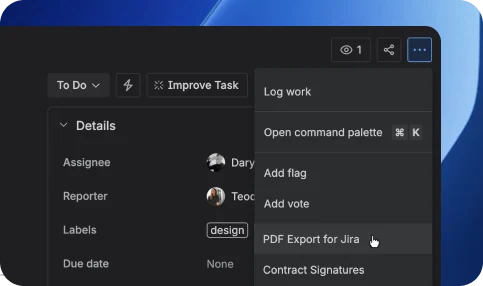
Choose any Jira issue or work item you want to export as a PDF document.

PDF Export for Jira
Export Jira data in a well-formatted PDF format, making it easier to share information with stakeholders who may not have access to Jira.
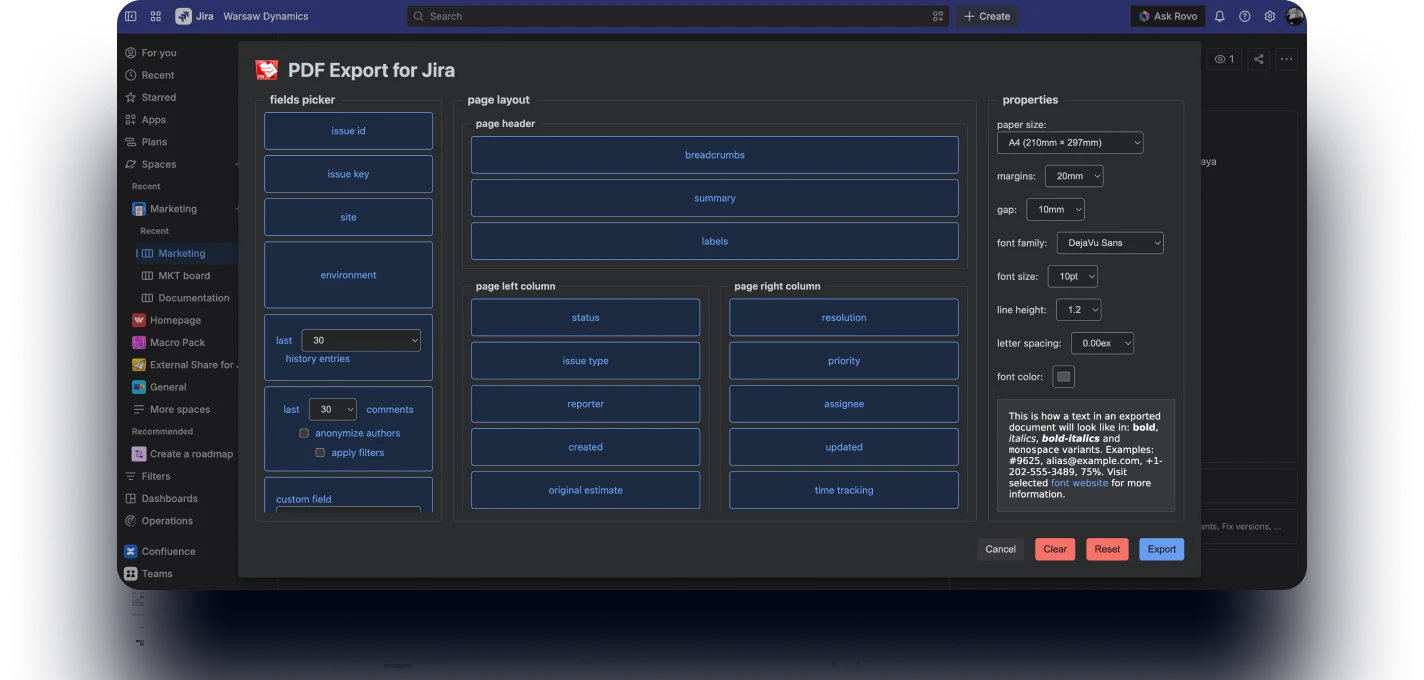
Export Jira issues in just a few clicks and generate clean, professionally formatted PDF documents.
Choose which fields, comments, attachments, and metadata should appear in your exported documents.
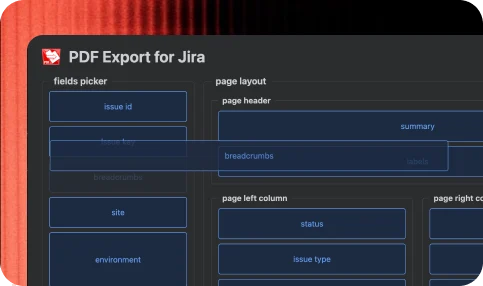
Generate structured PDF reports from Jira issues for stakeholders, clients, audits, and documentation.
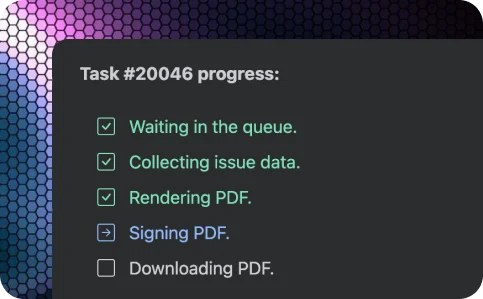
Protect exported documents with digitally signed and timestamped PDF generation.
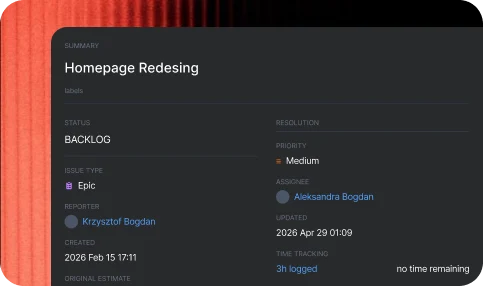
Choose any Jira issue or work item you want to export as a PDF document.
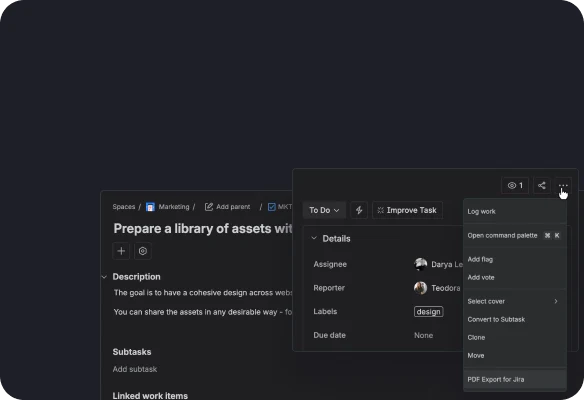
Select fields, comments, attachments, linked issues, and layouts before generating the PDF.
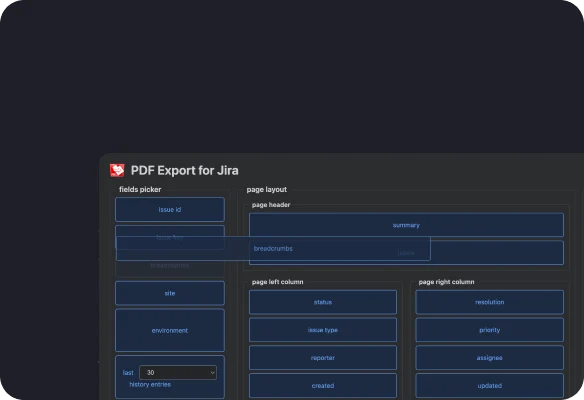
Create professional PDF documents instantly and download them for reporting, sharing, or archiving.
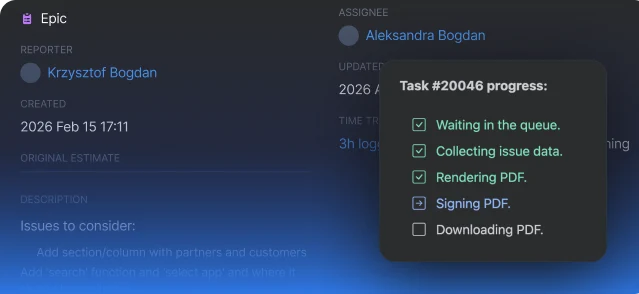
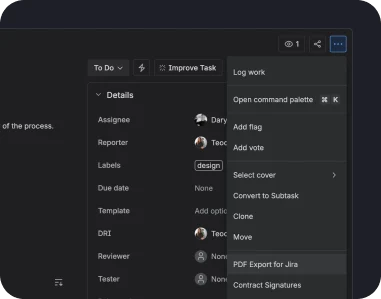
Turn Jira issues into PDF documents quickly and without formatting headaches.
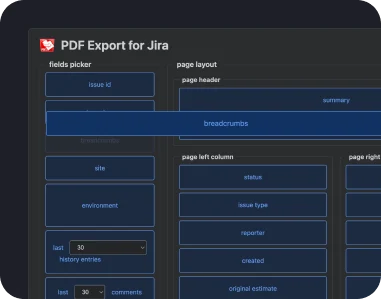
Control which issue details, fields, and comments appear in your PDFs.
Unlock advanced features designed to make PDF generation faster, smarter, and more flexible.
Client-ready reports: share professional PDF reports with customers and stakeholders without requiring Jira access.
Audit & compliance documentation: generate signed and tamper-proof PDF records for audits and regulated workflows.
Project reporting: export issue details, progress, comments, and history into structured PDF documents.
Issue archiving: store Jira issues as static PDF records for long-term documentation and reference..
Cross-team communication: distribute Jira updates and reports across departments in a universally accessible format.
PDF Export for JiraInsights and stories that highlight our product evolution, customer success, and partner collaborations.
Generate secure, customizable, and shareable PDF documents directly from your Jira workflows.