





Create test cases
Design reusable test cases with structured descriptions and step-by-step instructions.

Test Manager for Jira
Keep test cases, execution results, bugs, and reports connected in one Jira-native workflow – no external testing tools required.
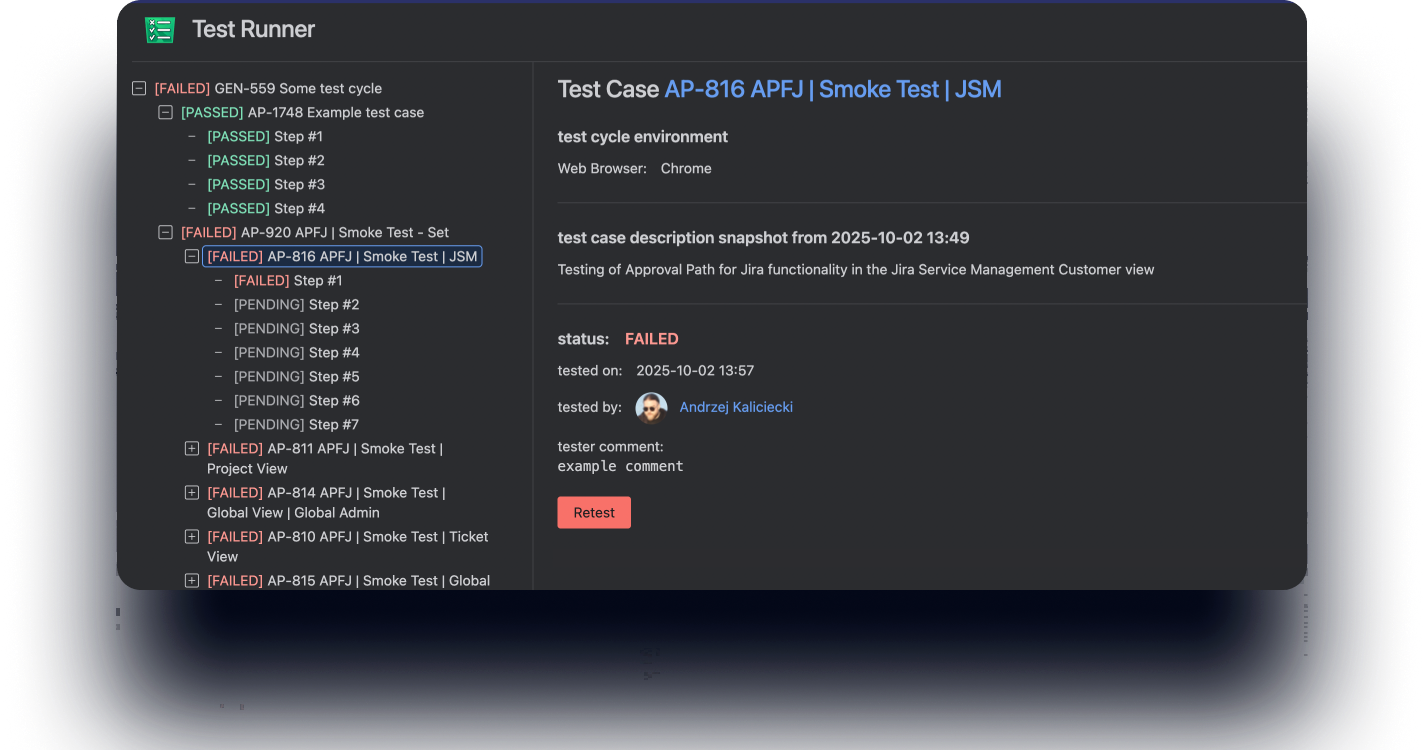
Create and organize test cases, plan test cycles, manage QA workflows, and link results to Jira work items - all within Jira.
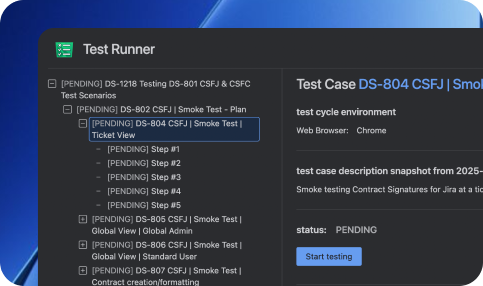
Execute manual tests step by step with expected results, statuses, and linked bug creation.
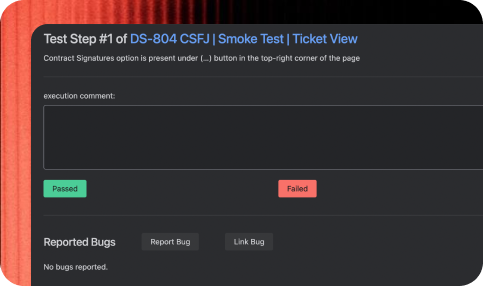
Connect requirements, test cases, defects, and executions for complete testing visibility.
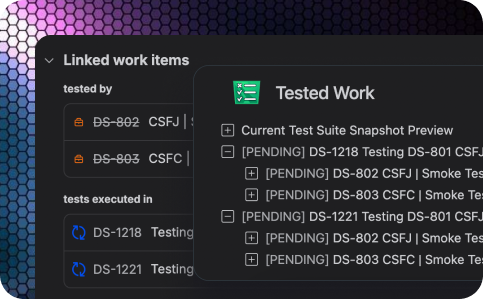
Monitor execution progress, pass/fail rates, coverage, and testing history from one place.
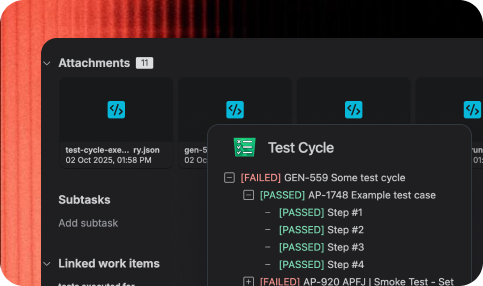
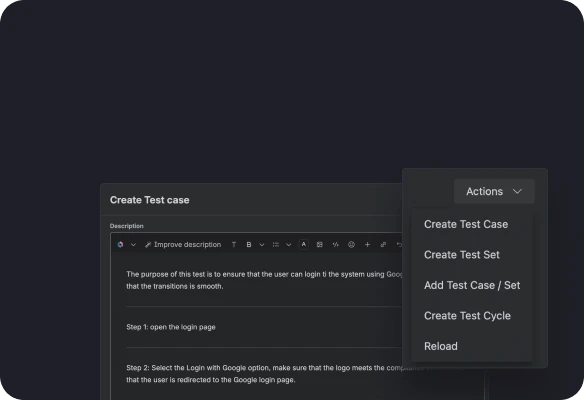
Design reusable test cases with structured descriptions and step-by-step instructions.
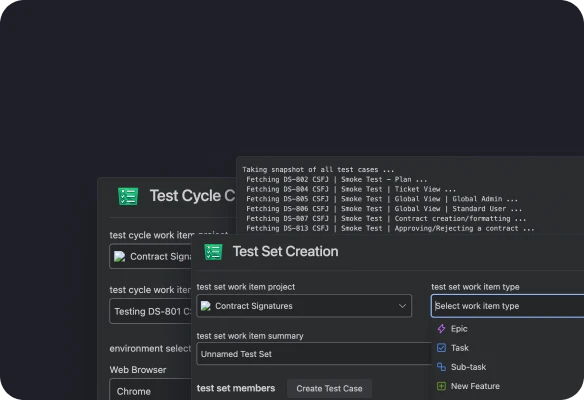
Group test cases into Test Sets and Test Cycles to build repeatable testing scenarios.
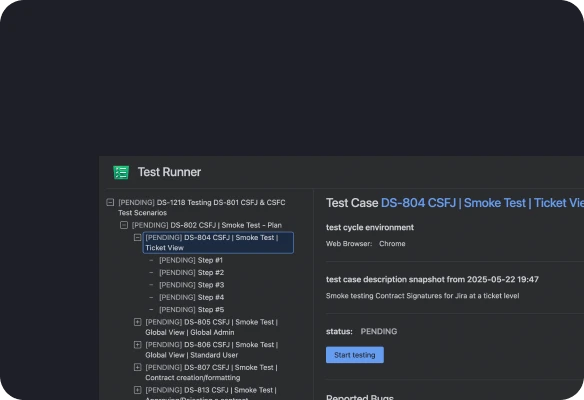
Run guided manual test sessions, record results, and create linked bug reports instantly.
Review execution history, coverage, reports, and testing progress in real time.
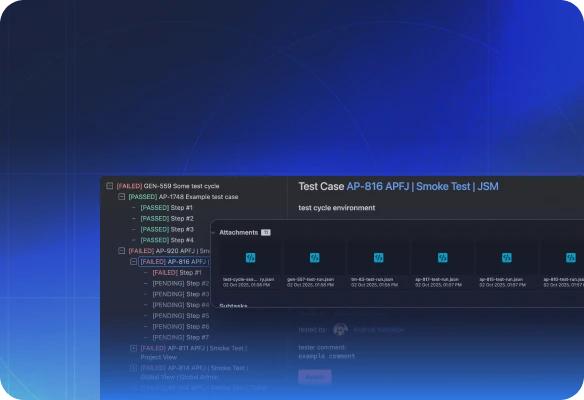
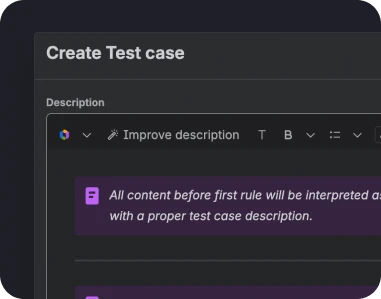
Create reusable test cases with clear steps and expected outcomes.
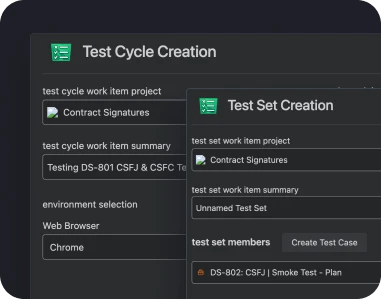
Organize tests into reusable collections and execution cycles.
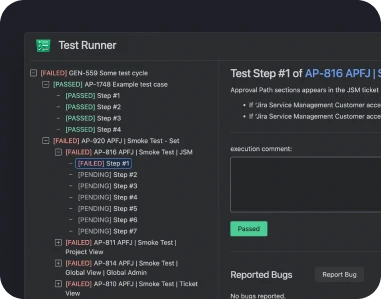
Execute manual tests step by step with a QA-friendly interface.
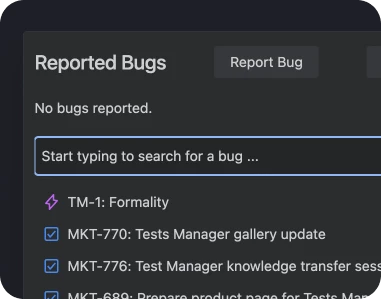
Create or link Jira bugs directly while executing tests.
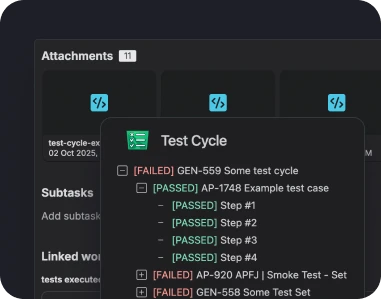
Track pass rates, failed tests, execution history, and overall progress.
Discover additional tools to organize testing, improve collaboration, and simplify QA workflows.
Feature testing: validate new functionality before every release with structured test cases.
Regression testing: reuse existing test suites to verify product stability after every update.
Release validation: track execution progress and ensure every release meets quality standards.
Defect verification: confirm bug fixes and link test results directly to Jira work items.
QA collaboration: keep testers, developers, and product teams aligned using one shared workflow.
Test Manager for JiraInsights and stories that highlight our product evolution, customer success, and partner collaborations.
Organize, execute, and track every test without leaving Jira.