With Automation, Dark Mode, Custom Domains & More, External Share is Basically A New App
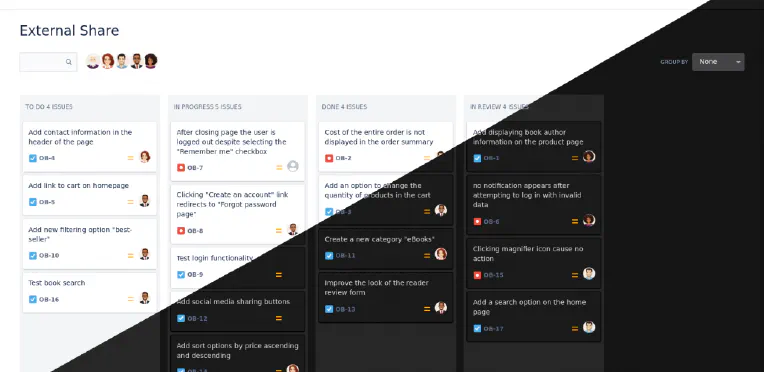
Our team have added so many new features and improvements to External Share for Jira and Confluence over the past few months that what customers are getting now is effectively a brand new app. Let’s walk through some of the additions. Automated Share Management We would all rather be doing things that are valuable. Things that make us money. Admin tasks don’t make us money. They make us bored.
Controlling Who Sees Your External Share for Confluence and Jira Links
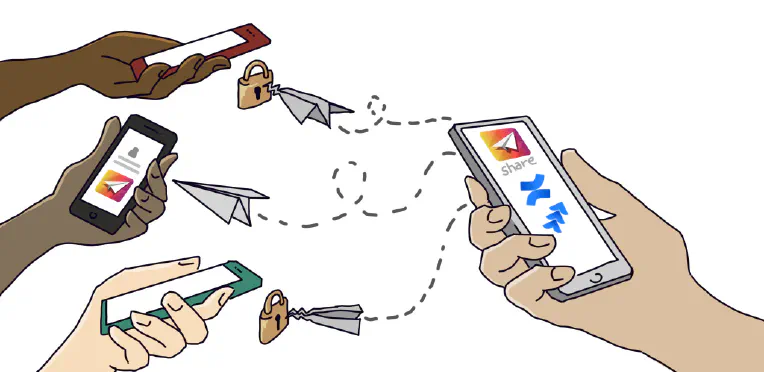
Companies have been asking us for a way of restricting which users can see their External Share for Jira and Confluence links. Previously, you could create a secure link to your Confluence page or Jira issue and share it with a chosen person outside your instance. That link was always safe from a randomer on the internet finding it, thanks to its unguessable 16-character URL. It could be protected further by adding a password, making the page or issue inaccessible to anyone without it.
How to Customize your External Share Email Templates
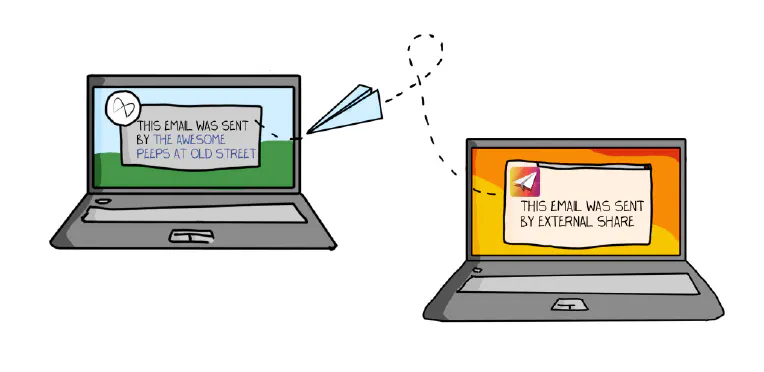
After creating an External Share link to a Confluence page or Jira issue, there are two ways to share the link with a user outside of your instance: Copy the URL of the External Share version of the page or issue and paste it into an email or instant message. Click “Send via email”, which will send your External Share link to the email address you enter using an email template.
How to Share Jira with External Users (Securely)
As Jira grows ever more ubiquitous, it’s increasingly necessary for larger and more diverse groups to communicate and collaborate on projects in real-time. The ancients’ rituals of emailing screenshots are embarrassingly outdated for software-enabled teams that bought Jira to avoid email-chain siloes and the disheartening disaster of discovering efforts have been duplicated due to a lack of real-time project management. Fear not! There are three options for collaborating securely with external users in Jira:
Wanna See Some More? Now Your External Users Can Become Watchers on Jira Issues
A new feature has just launched in the cloud version of our External Share for Jira app. We call it ‘External Watch’. External Watch lets your external users subscribe to the issues you’ve given them access to. That’s good for them because it saves them time. It’s good for you because it makes collaboration more immediate so that work can progress faster. For the uninitiated, External Share for Jira gives external users secure, temporary access to a live Jira issue by generating unique links with optional passwords and time limits, and easy-to-specify permissions.