




Fresh Look at Page Customization for External Share for Confluence
If you’re using External Share for Confluence, you’ll likely appreciate the recent update to the Page Customization layout in Global Settings. While not a brand-new feature, this update brings more user-friendly experience that simplifies how teams shape the look and feel of shared pages. What’s Changed? Previously, customizing shared pages involved clicking through multiple nested tabs such as General, Header, Page, Password Page, and Footer. Uploading a file, like a favicon, meant navigating through button-based selections.

Use Macros to Customize Agreements in Confluence: Contract Signatures
Are you using Contracts Signatures for Confluence to create contracts, agreements, or documents that need signatures? With our set of macros, you can build fully customized contract templates, manage them easily, and collect signatures from people who don’t have access to Confluence. Before we dive into the macros, you can check out the User Guide on how to create and use contracts in Confluence. Using Macros Together: Example Use Case Here is an example contract we just created, Service Level Agreement.

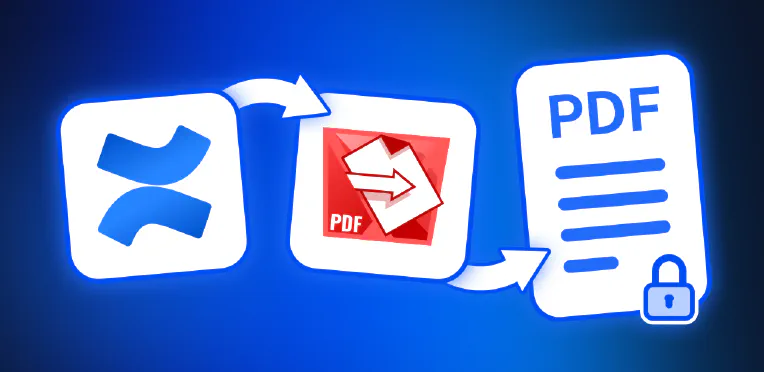
Why Export Confluence Pages to PDF and How to Do It with PDF Export for Confluence
Whether you’re documenting decisions, preparing deliverables, or sharing knowledge across teams, Confluence is where your work lives. But what happens when your pages need to leave that digital workspace? That’s where PDF Export for Confluence comes in - your solution for turning Confluence content into professionally formatted, secure, and shareable PDF documents. In this article, we explore why exporting Confluence pages to PDF matters and how our app makes it fast, customizable, and secure.
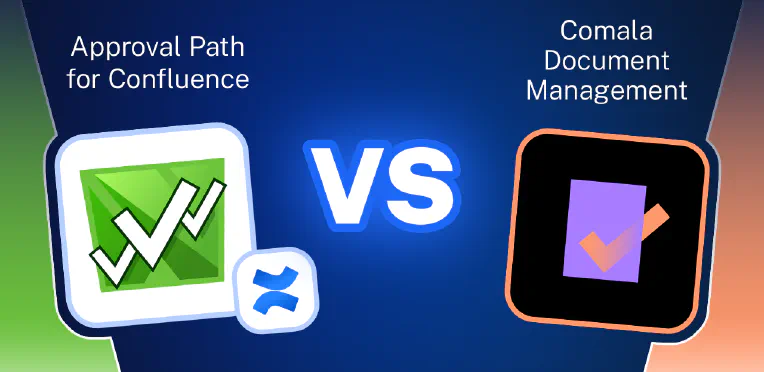
Document Approval Workflows in Confluence: Approval Path vs. Comala Document Management
Effective document workflow management is a cornerstone of successful collaboration in modern organizations. Whether it’s publishing knowledge base articles, handling legal contracts, customer-facing proposals, or internal compliance documents, having a clear, well-defined approval process is essential. Without it, teams risk publishing outdated, incorrect, or non-compliant content. Fortunately, there are convenient tools available for Confluence that help organizations streamline and control their content approval processes. In this article, we’ll explore two of the most popular apps that enhance Confluence with structured approval workflows: Approval Path for Confluence and Comala Document Management.
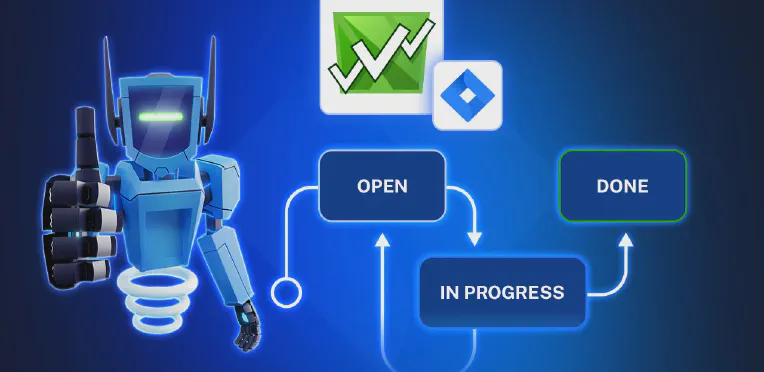
How to Connect Jira Workflows with Approvals
Approval Path for Jira X Jira Workflows At Warsaw Dynamics, many of our clients have asked how to manage approvals more effectively within their Jira workspace. In this article, we’ll explain how Approval Path for Jira integrates directly with Jira’s workflow engine and how to apply key features to a real project scenario. Jira Workflows in a Nutshell Many companies are using Jira for structured task management. Each project or team may have its own way to track and complete work.
Easily Create Contracts in Jira or Confluence, Keep Track of Everything in Your Workspace
What Is Contract Signatures? Contract Signatures is an app available for Jira and for Confluence that lets teams create, send to internal users or to external user and sign contracts. Whether you’re in project management (Jira) or documentation and collaboration (Confluence), the app makes contract handling simple and connected. There are two separate apps: Contract Signatures for Jira Contract Signatures for Confluence How to Create Contracts in Jira or Confluence You can find full instructions in our documentation, but here’s a quick overview:

No Jira Account? No Problem. Here’s How to Vote on Work Items via External Share for Jira
Moving Beyond Jira’s Native Upvote Feature Voting feature helps you quickly gather feedback and prioritize work. Jira’s built-in voting lets internal users signal which work items (issues) are important by selecting the Vote button on a Jira work item. The total number of upvotes can then be seen by anyone with access to that work item. It’s simple, but limited. There’s no downvote option, and external users can’t participate.

How to Improve Content Reviews in Confluence with Approval Path
In today’s article, we’ll cover why having an approval process for Confluence pages matters, how to create your own approval process using Approval Path for Confluence , and share a real-life example from our Warsaw Dynamics team! Why Set Up an Approval Process for Confluence? Without an approval step, content can be published before it’s ready. Documents may include sensitive data, outdated information, or content that hasn’t been reviewed by the right people.

Nimble Evolution and Warsaw Dynamics: A Powerful Atlassian Partnership Driving Efficient Solutions
We are thrilled to announce our partnership with Nimble Evolution, a company that shares our passion for innovation, agility, and excellence within the Atlassian ecosystem. This collaboration marks a significant step forward as we combine our strengths to transform the way companies manage processes, collaborate, and grow using Atlassian tools. Together, we are committed to delivering efficient, customized, and high-impact solutions to organizations across the globe. Nimble Evolution: Over Two Decades Empowering Agile Teams Based in Brazil, Nimble Evolution is a trusted name in digital transformation and agile consulting.

Introducing the Drawio Macro in Macro Pack: A New Way to Visualize Your Ideas
At Warsaw Dynamics, we’re always looking for ways to enhance our apps to empower Confluence and Jira users. This time, we dedicated our focus to the Macro Pack app to give people a better visualization and documentation tool. That’s why we’re excited to introduce our latest addition: the Drawio Macro! If you’re already using Macro Pack, you know how powerful it is for embedding PlantUML, Swagger, Markdown, HTML, LaTeX, Mermaid, JSON, CSV, and AsciiDoc directly in Confluence.