From Design to Sharing: Karma Page Builder and External Share for Confluence
Sharing Confluence content with people outside your organization often comes with limitations. With External Share for Confluence, you can securely define what to share and with whom. (If you’d like to read a comparison between using Confluence guest accounts and our app, click here. ) When you combine Karma Page Builder for Confluence with External Share for Confluence,you can achieve a whole new way of working. Now, you can design stunning Confluence pages with Karma and safely share them with external partners and customers using External Share.

Beyond Confluence’s Limitations: What’s the Best Way to Collaborate Externally?
In today’s connected world, collaboration doesn’t stop at your company’s firewall. Teams often need to work closely with clients, contractors, vendors, auditors, or partners - people who aren’t part of their internal Confluence instance. This raises a challenge: how can you securely share relevant content while protecting everything else? Atlassian offers a built-in option: Guest accounts. But there’s also a more flexible solution - a marketplace app: External Share for Confluence.

'Adoption is the Most Important Part of Implementing the Tool' - Envorso Customer Success Story
We had the pleasure of sitting down with William and Filip from Envorso , an Atlassian Gold Solution Partner and consulting firm specializing in enterprise agility, digital transformation, and operational excellence. During the interview, they shared insights into how Approval Path for Confluence helped one of their clients solve critical challenges during a large-scale documentation migration to Confluence. Watch the full interview here: For those who prefer reading or are unable to watch the video at this time, we have prepared an interview summary below.

5 Blockers Slowing Down Your Confluence Approvals and How to Fix Them with Approval Path
Confluence includes a built-in Automation feature that allows admins to create rules for actions like sending notifications, changing page status, or triggering events based on page updates. More recently, Atlassian introduced Smart Buttons as a way to make automation more accessible, letting users trigger those rules manually from a page. However, the usage is directly tied to your automation usage quota, which depends on your Confluence plan. If you’ve tried building approval workflows using Confluence’s native features alone, you may have already run into some of these challenges.

Fresh Look at Page Customization for External Share for Confluence
If you’re using External Share for Confluence, you’ll likely appreciate the recent update to the Page Customization layout in Global Settings. While not a brand-new feature, this update brings more user-friendly experience that simplifies how teams shape the look and feel of shared pages. What’s Changed? Previously, customizing shared pages involved clicking through multiple nested tabs such as General, Header, Page, Password Page, and Footer. Uploading a file, like a favicon, meant navigating through button-based selections.

Use Macros to Customize Agreements in Confluence: Contract Signatures
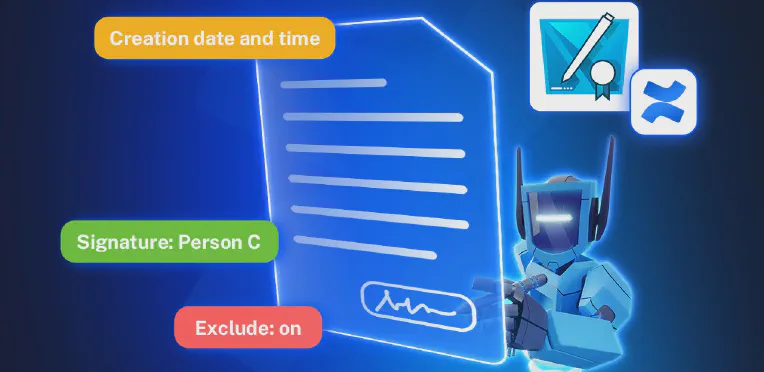
Are you using Contracts Signatures for Confluence to create contracts, agreements, or documents that need signatures? With our set of macros, you can build fully customized contract templates, manage them easily, and collect signatures from people who don’t have access to Confluence. Before we dive into the macros, you can check out the User Guide on how to create and use contracts in Confluence. Using Macros Together: Example Use Case Here is an example contract we just created, Service Level Agreement.
Why Export Confluence Pages to PDF and How to Do It with PDF Export for Confluence
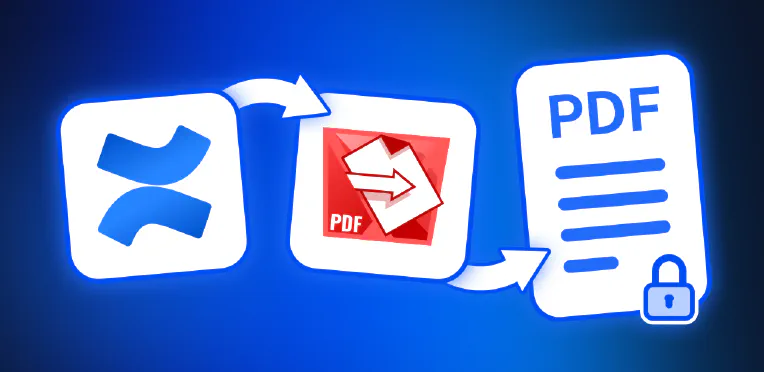
Whether you’re documenting decisions, preparing deliverables, or sharing knowledge across teams, Confluence is where your work lives. But what happens when your pages need to leave that digital workspace? That’s where PDF Export for Confluence comes in - your solution for turning Confluence content into professionally formatted, secure, and shareable PDF documents. In this article, we explore why exporting Confluence pages to PDF matters and how our app makes it fast, customizable, and secure.
Document Approval Workflows in Confluence: Approval Path vs. Comala Document Management
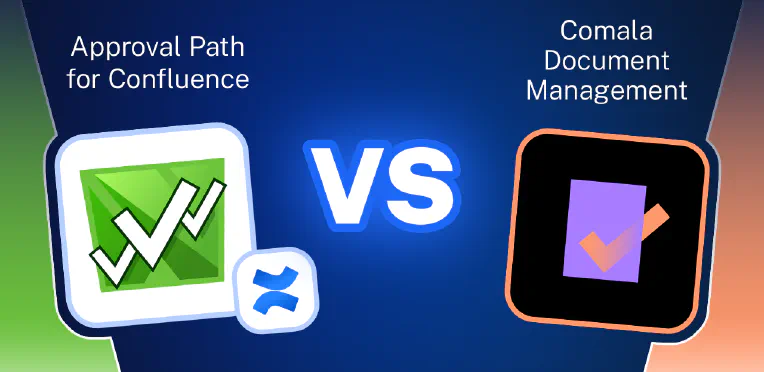
Effective document workflow management is a cornerstone of successful collaboration in modern organizations. Whether it’s publishing knowledge base articles, handling legal contracts, customer-facing proposals, or internal compliance documents, having a clear, well-defined approval process is essential. Without it, teams risk publishing outdated, incorrect, or non-compliant content. Fortunately, there are convenient tools available for Confluence that help organizations streamline and control their content approval processes. In this article, we’ll explore two of the most popular apps that enhance Confluence with structured approval workflows: Approval Path for Confluence and Comala Document Management.
Easily Create Contracts in Jira or Confluence, Keep Track of Everything in Your Workspace
What Is Contract Signatures? Contract Signatures is an app available for Jira and for Confluence that lets teams create, send to internal users or to external user and sign contracts. Whether you’re in project management (Jira) or documentation and collaboration (Confluence), the app makes contract handling simple and connected. There are two separate apps: Contract Signatures for Jira Contract Signatures for Confluence How to Create Contracts in Jira or Confluence You can find full instructions in our documentation, but here’s a quick overview:

How to Improve Content Reviews in Confluence with Approval Path
In today’s article, we’ll cover why having an approval process for Confluence pages matters, how to create your own approval process using Approval Path for Confluence , and share a real-life example from our Warsaw Dynamics team! Why Set Up an Approval Process for Confluence? Without an approval step, content can be published before it’s ready. Documents may include sensitive data, outdated information, or content that hasn’t been reviewed by the right people.