





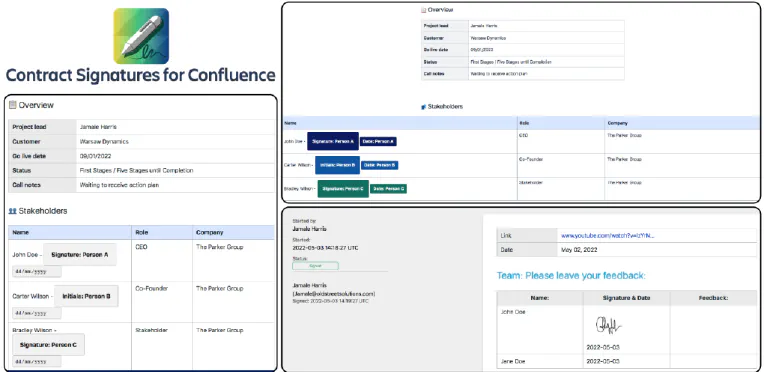
Digitally Sign Contracts in Confluence with Warsaw Dynamics' Brand New App
Confluence is already an ideal place to be creating, managing, and storing your contracts . Of course, the most important feature of any contract is the signatures of the parties. It’s not an agreement till someone agrees to it. And yet, there’s no way of digitally signing contracts inside Confluence. You’d need to export it and use another digital signature tool like DocuSign, taking the process and the audit trail outside of the platform you’re working in.
Controlling Who Sees Your External Share for Confluence and Jira Links
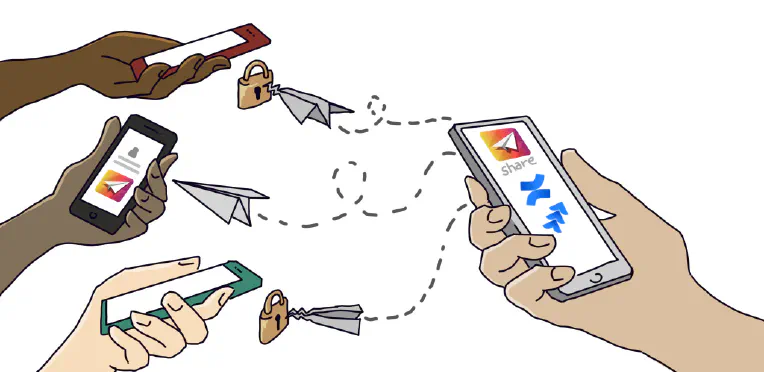
Companies have been asking us for a way of restricting which users can see their External Share for Jira and Confluence links. Previously, you could create a secure link to your Confluence page or Jira issue and share it with a chosen person outside your instance. That link was always safe from a randomer on the internet finding it, thanks to its unguessable 16-character URL. It could be protected further by adding a password, making the page or issue inaccessible to anyone without it.
How to Customize your External Share Email Templates
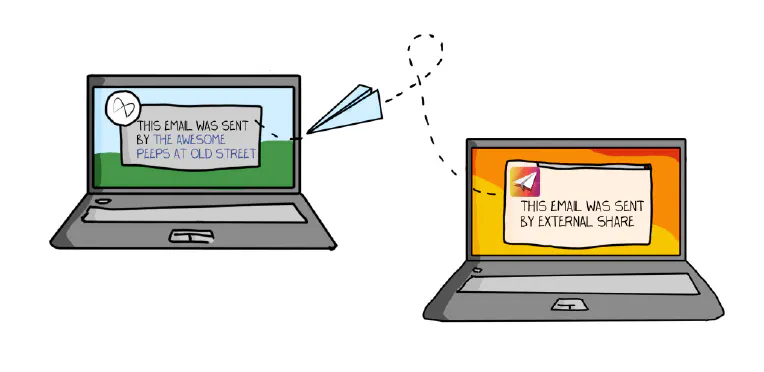
After creating an External Share link to a Confluence page or Jira issue, there are two ways to share the link with a user outside of your instance: Copy the URL of the External Share version of the page or issue and paste it into an email or instant message. Click “Send via email”, which will send your External Share link to the email address you enter using an email template.
4 Ways of Sharing Confluence Content
If your organization is using Confluence, it’s likely that you’ve been asked how to share the content you’ve created. There are a lot of reasons you may want to share Confluence pages, e.g. you may need to collaborate with someone on the content, or deliver it to someone inside or outside of your organization. Understanding the different options for sharing from Confluence is essential and you’ll probably end up using a combination of them, depending what you’re doing.