How to Make, Manage, and Sign Contracts in Confluence
Lots of the organizations we encounter are using Microsoft Word, Google, Adobe, SharePoint, and various other tools to create, collaborate on, and store their agreements. Many of these tools don’t integrate with each other, putting teams and their data into silos. Silos that breed delays and replication in the contract management process. With so many more people now working remotely, silos are becoming harder to maintain. Increasing numbers of organizations are looking to centralize their data and achieve a single source of truth in order to alleviate the confusion and poor data quality that comes from having distributed teams spread across time zones, all working off different information.

Digitally Sign Contracts in Confluence with Warsaw Dynamics' Brand New App
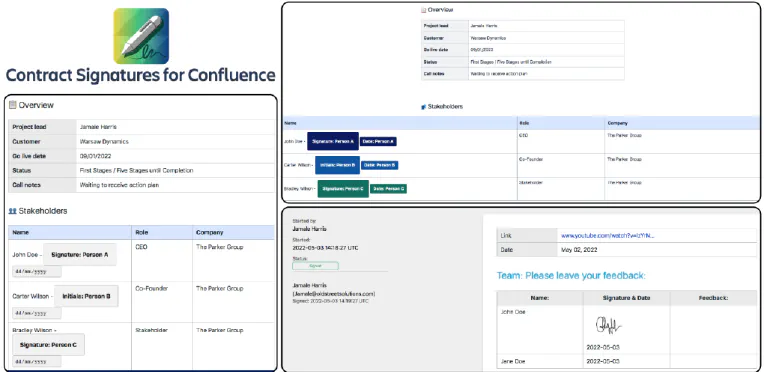
Confluence is already an ideal place to be creating, managing, and storing your contracts . Of course, the most important feature of any contract is the signatures of the parties. It’s not an agreement till someone agrees to it. And yet, there’s no way of digitally signing contracts inside Confluence. You’d need to export it and use another digital signature tool like DocuSign, taking the process and the audit trail outside of the platform you’re working in.