Enhance collaboration with External Share's Timeline Share feature
Collaboration is the key to success, and Timelines are the key to collaboration. Hey there, are you struggling to collaborate with your clients and partners on Jira Timelines? Well, fret not, my friend! Let me introduce you to Timeline Share, the newly introduced feature to External Share, the ultimate feature that enables Jira users to share their Timelines with external stakeholders without breaking a sweat. Create and Customize Timeline Share operates differently from your standard share feature.

Popular Confluence Macros That External Users Can See
Atlassian’s new public links feature lets you create a special URL directing to a safe, read-only version of a Confluence page, and share it with someone who doesn’t have a Confluence license. It’s similar to our Atlassian Marketplace app, External Share for Confluence , except its functionality and security options are much more limited. One big functionality limit with the native links feature is that you can’t share many of Atlassian’s own Confluence macros, and you can’t share *any *3rd party macros.

External Share for Confluence versus Atlassian's Guest Users Feature
Atlassian recently announced their Confluence guest users feature and people have since been asking us: what’s the difference between the built-in feature and our app, External Share for Confluence ? Before we go into detail, here’s a handy comparison table, showing the differences in a nutshell. Now, let’s dive into the details… What is Atlassian’s Confluence guest users feature? With this new feature, you can have 5 free guest users per licensed user added to a specific space in your Confluence instance.

How to Share Your Jira Agile Board with External Users
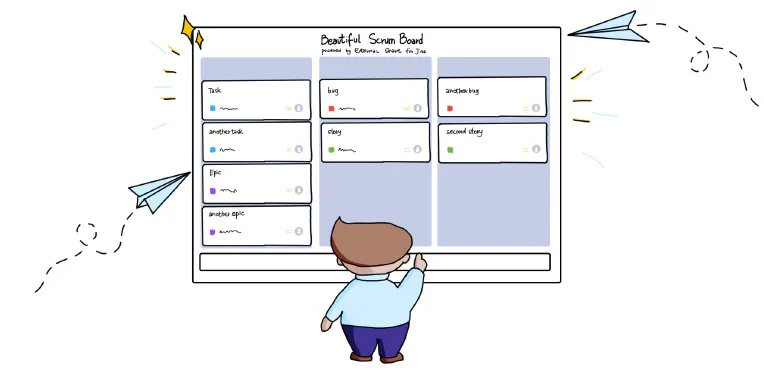
There’ll be times when you want to share a bunch of Jira issues externally without buying extra licenses . Maybe you’re working on a project with an external partner or contractor that has multiple issues requiring the external user’s attention. External Share for Jira allows you to give external users secure, temporary access to those issues in three ways: Create External Share links to each issue individually Create an External Share link to a list of issues using Jira Query Language (JQL) Create an External Share link to an entire Scrum or Kanban board If you have a lot of issues to share, you probably don’t want to go down route one.
Custom Domains for Confluence and Jira: The Ultimate Workaround to End Your CLOUD-6999 Woes
The Atlassian Community has been hankering after custom domains for Confluence and Jira for absolute yonks. It’s difficult to offer continuity of service – not to mention disorienting for the customer – when you’re directing them to a website that’s not your company’s in order to view your resources and documentation. You’ve probably heard of the famous CLOUD-6999 Jira ticket . Behind it lies a tale of woe and despair.
With Automation, Dark Mode, Custom Domains & More, External Share is Basically A New App
Our team have added so many new features and improvements to External Share for Jira and Confluence over the past few months that what customers are getting now is effectively a brand new app. Let’s walk through some of the additions. Automated Share Management We would all rather be doing things that are valuable. Things that make us money. Admin tasks don’t make us money. They make us bored.
Controlling Who Sees Your External Share for Confluence and Jira Links
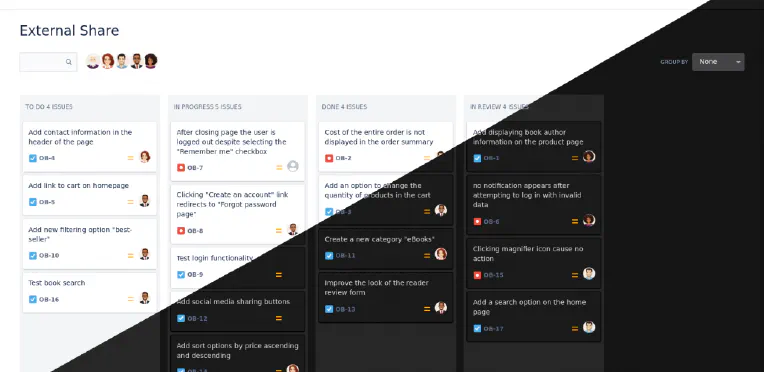
Companies have been asking us for a way of restricting which users can see their External Share for Jira and Confluence links. Previously, you could create a secure link to your Confluence page or Jira issue and share it with a chosen person outside your instance. That link was always safe from a randomer on the internet finding it, thanks to its unguessable 16-character URL. It could be protected further by adding a password, making the page or issue inaccessible to anyone without it.
How to Customize your External Share Email Templates
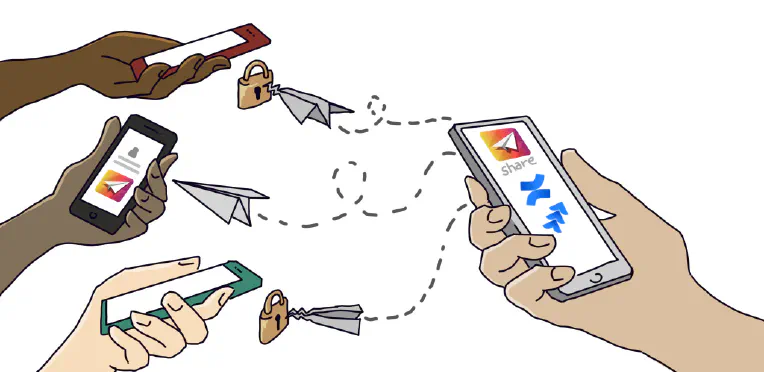
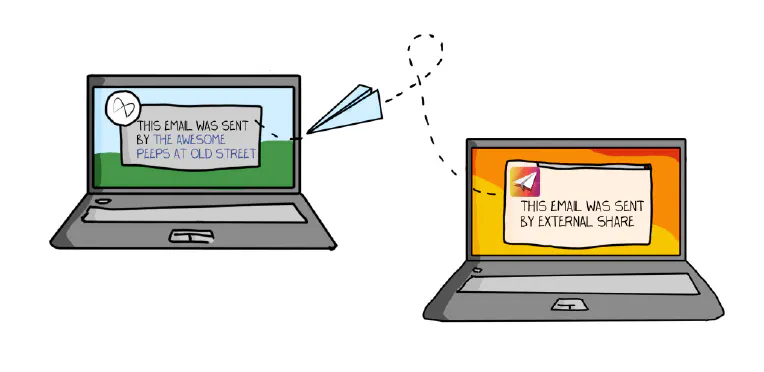
After creating an External Share link to a Confluence page or Jira issue, there are two ways to share the link with a user outside of your instance: Copy the URL of the External Share version of the page or issue and paste it into an email or instant message. Click “Send via email”, which will send your External Share link to the email address you enter using an email template.
How to Share Jira with External Users (Securely)
As Jira grows ever more ubiquitous, it’s increasingly necessary for larger and more diverse groups to communicate and collaborate on projects in real-time. The ancients’ rituals of emailing screenshots are embarrassingly outdated for software-enabled teams that bought Jira to avoid email-chain siloes and the disheartening disaster of discovering efforts have been duplicated due to a lack of real-time project management. Fear not! There are three options for collaborating securely with external users in Jira:

4 Ways of Sharing Confluence Content
If your organization is using Confluence, it’s likely that you’ve been asked how to share the content you’ve created. There are a lot of reasons you may want to share Confluence pages, e.g. you may need to collaborate with someone on the content, or deliver it to someone inside or outside of your organization. Understanding the different options for sharing from Confluence is essential and you’ll probably end up using a combination of them, depending what you’re doing.