





Jira projects templates
Jira is one of the most popular issue tracking and project management software. When released in 2002, it was designed as an issue tracking platform for software developers. It has become more popular, so Atlassian expanded the Jira platform and gave users a choice between Jira Software, Jira Work Management and Jira Service Management. Each product is targeted at a different group. Jira Work Management is aimed at non-technical teams. Jira Software is designed for software teams: developers, QA, scrum masters, project managers, etc.
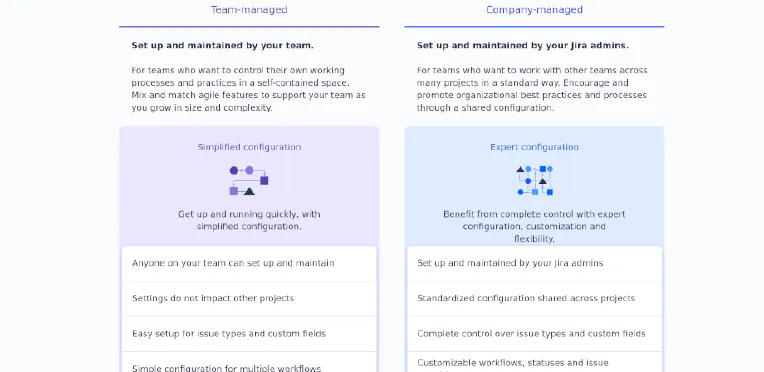
Multiple approvals
You asked, we care, we listen and now we deliver! The time has come yet again for a new feature! A feature YOU asked for! If you are using the Approval Path, you have likely considered this feature at some point in your experience. Why can’t I just run multiple paths instead of only one?🤔 Well, that is no longer the case! What is Approval Path and why it matter?
Permission flexibility!?
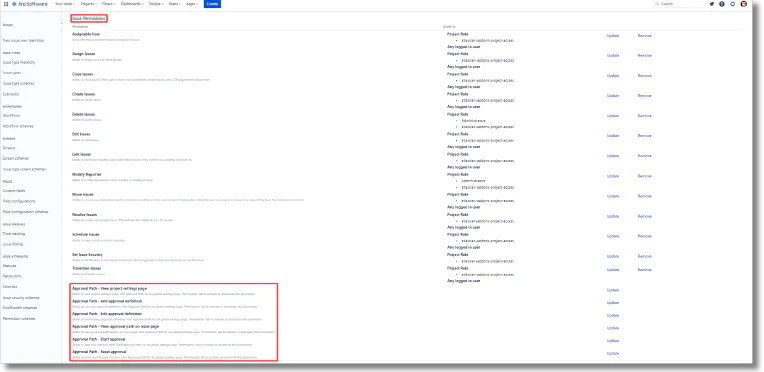
We have a new and rather EXITING update!!! (on both Jira and Confluence) We’ve been working around the concept of approval path for quite some time, if you are a user of Approval Path, you probably work in an environment where permission hierarchies play a role, hence the need of approvals! So, what’s the update and how can it improve your experience!?! Permission schemes That’s right!!! You can now limit or extend the access of users to approval path capabilities, you can create more flexibility around the approval path by allowing more users to interact with the path or you may wish to limit access restrictions further to have a more focused group of users handle the approvals.
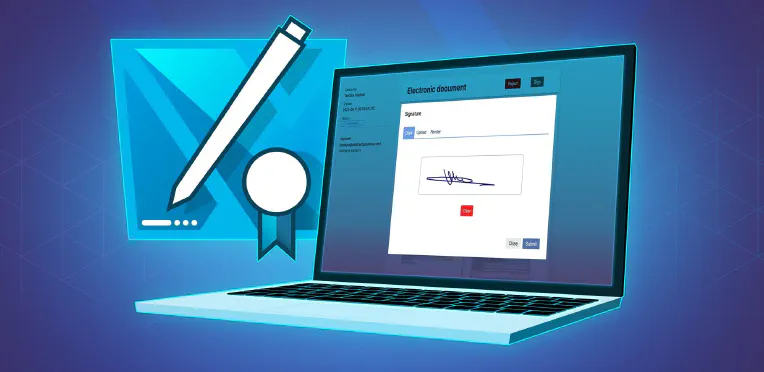
Add Signatures to Jira Issues with the New E-Signature App
Jira issues just got a LOT more exciting. These already awesome little tools for assigning and tracking work can now be transformed into quick legal contracts in a few clicks. Warsaw Dynamics’ newest app, Contract Signatures for Jira , makes it possible for internal and external users to add their signature to a Jira issue and formalize their agreement to the work described in it. And yes, you heard right.
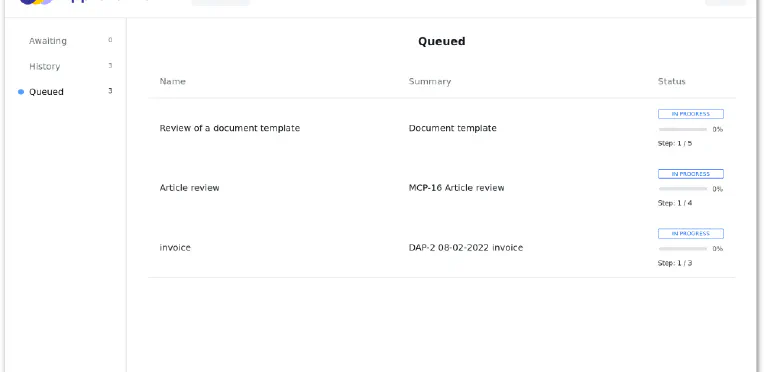
Approval path with external user participation
Usually, an approval process takes place within the organisation. However, in some cases, a decision from someone outside your Jira or Confluence is needed. There is no point in adding this user to your instance when there is an easier and faster solution provided by the Approval Path apps, which is the email step. All you need is a decisive person’s email address, on which will be sent a call for action message.
Big update pack
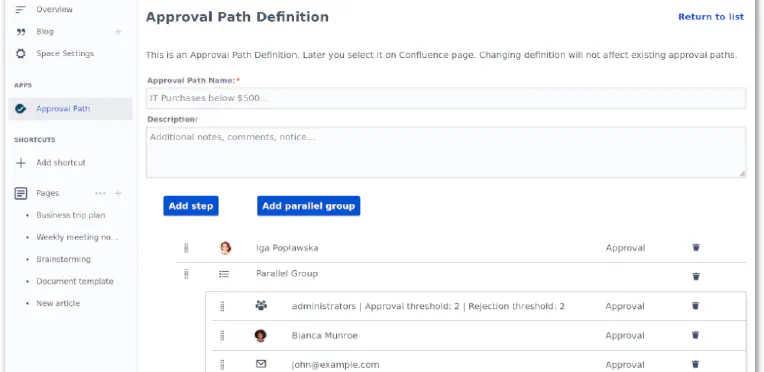
We are constantly developing our apps to make them more useful. Lately, we added some improvements to the Approval Path for Jira and the Approval Path for Confluence. Let’s walk through some of them. Parallel group In response to customer requests, we added the parallel group to both the Approval Path for Jira and the Approval Path for Confluence. It allows all users added to the group to approve or reject parallelly.
How to Share Your Jira Agile Board with External Users
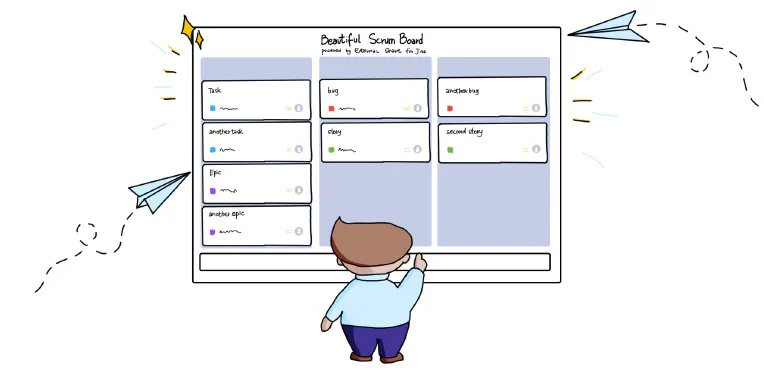
There’ll be times when you want to share a bunch of Jira issues externally without buying extra licenses . Maybe you’re working on a project with an external partner or contractor that has multiple issues requiring the external user’s attention. External Share for Jira allows you to give external users secure, temporary access to those issues in three ways: Create External Share links to each issue individually Create an External Share link to a list of issues using Jira Query Language (JQL) Create an External Share link to an entire Scrum or Kanban board If you have a lot of issues to share, you probably don’t want to go down route one.
Custom Domains for Confluence and Jira: The Ultimate Workaround to End Your CLOUD-6999 Woes
The Atlassian Community has been hankering after custom domains for Confluence and Jira for absolute yonks. It’s difficult to offer continuity of service – not to mention disorienting for the customer – when you’re directing them to a website that’s not your company’s in order to view your resources and documentation. You’ve probably heard of the famous CLOUD-6999 Jira ticket . Behind it lies a tale of woe and despair.
Example uses of the approval process
With the growth of the company, comes a moment when standardization of the approval process becomes necessary. It could be a moment, when different people are responsible for the decision and realisation, or when reaching each approver becomes too time-consuming. The approval process can be carried out in an outdated way - with emails, PDFs, Word documents, or at worst, on paper… But luckily we can use approval management apps like Approval Path for Jira and Approval Path for Confluence to improve the process.

Approval Path vs Build-in Jira Approval solution
Jira’s only built-in functionality to set up an approval process is in the Jira Service Management. Approvals in Jira Service Management are associated with the workflow. While this is useful, it also creates some limitations. In this article, we will look into the differences between the approval processes in the Approval Path and in the Jira Service Management Approval Path Jira Project types Any kind of project Jira Service Management Number of steps As many as needed One approval - one step Step types User, Group, Issue Field- User, Issue Field- Group, Email, Webhook User, Group Approval definitions ✔ ✘ Path visualisation Clear, legible Illegible Project types The Approval Path app allows you to run the approval in any type of issue in any type of project, unlike Jira’s native approval process which can be used only in Jira Service Management, only in issues that have approval added to a workflow.