




Mastering the Art of Selective Sharing
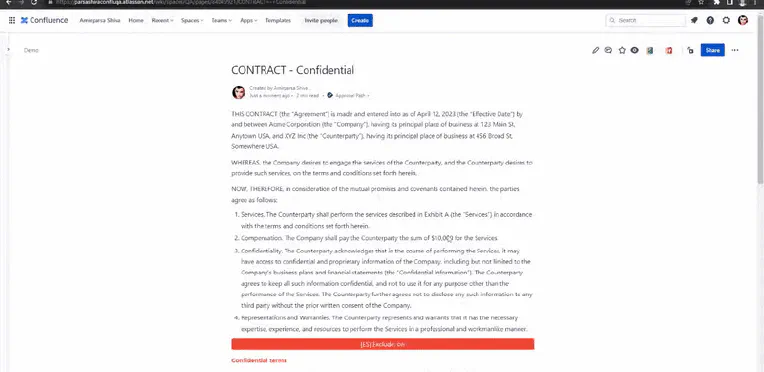
Sharing made simple: exclude content with ease Hey there, fellow Confluence enthusiasts! Do you ever find yourself needing to share a Confluence page with someone outside your organization, but there’s just that one piece of sensitive information you’d rather keep under wraps? Well, fear not! Today, we’re diving into the magical world of the “exclude content macro” in the External Share for Confluence add-on. Get ready to become a selective sharing maestro!
Enhance collaboration with External Share's Timeline Share feature
Collaboration is the key to success, and Timelines are the key to collaboration. Hey there, are you struggling to collaborate with your clients and partners on Jira Timelines? Well, fret not, my friend! Let me introduce you to Timeline Share, the newly introduced feature to External Share, the ultimate feature that enables Jira users to share their Timelines with external stakeholders without breaking a sweat. Create and Customize Timeline Share operates differently from your standard share feature.

Streamlining Your Approval Process with Automation in Jira
Simplify your workflow and save time with just a few clicks. Why automation? Do you find yourself constantly starting approvals manually for each issue in your project? Do you wish there was a way to automate this tedious process? Well, we have great news for you! In this blog post, we will guide you through the steps to automatically start an approval path for any issue that goes through a specific status transition.
Popular Confluence Macros That External Users Can See
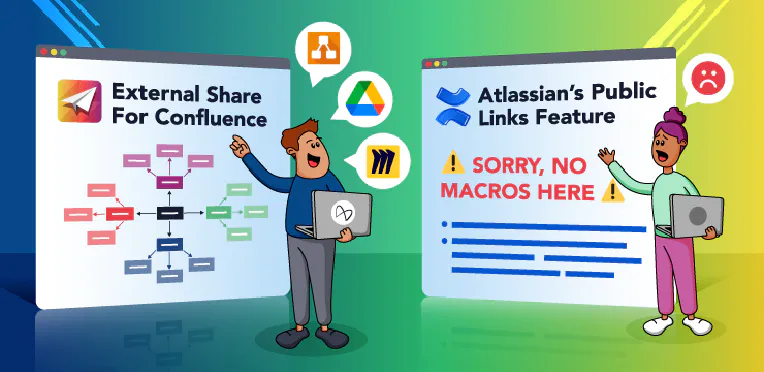
Atlassian’s new public links feature lets you create a special URL directing to a safe, read-only version of a Confluence page, and share it with someone who doesn’t have a Confluence license. It’s similar to our Atlassian Marketplace app, External Share for Confluence , except its functionality and security options are much more limited. One big functionality limit with the native links feature is that you can’t share many of Atlassian’s own Confluence macros, and you can’t share *any *3rd party macros.
Making Sure Your E-signatures Are Legal Worldwide
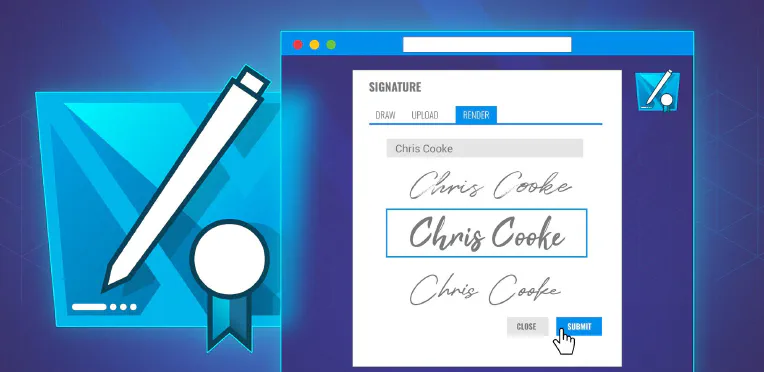
Electronic signatures were in use long before the pandemic, and their legal standing has been defined in various statutes since around 2000. But they used to be a strategic asset: a flexible, fast, green, international relations booster. Then the lockdowns happened, wet ink signatures became unworkable, and e-signatures turned from an asset into a necessity. A survey of US business owners and individuals by airSlate showed that the use of e-signatures among businesses surged by 50% during 2020.
Approval Path start parametrization
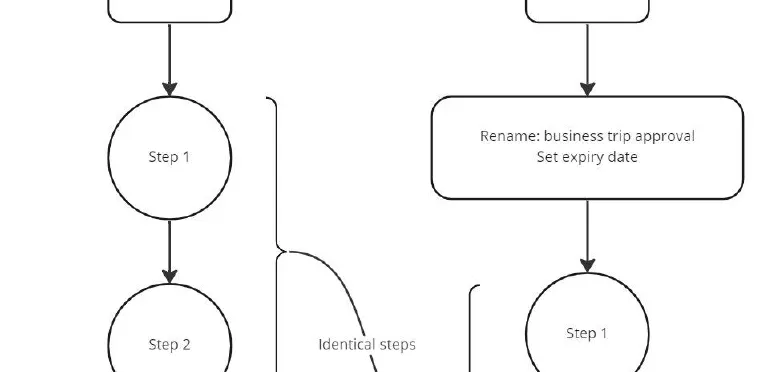
It’s about convenience and more! What is parametrization? In this context, parametrization is a rather fresh feature of Approval Path, and we think it could boost user experience a lot! Well, at least for users that use Approval Path more excessively. Here is why! Functionalities Parametrization will allow you to re-use an existing path (definition) while you conveniently rename the approval just before you start it! Also it allows you to set expiry dates.
Issue filed steps - email edition
Life is dynamic, so are we! What are issue fields If you already know the answer, skip this part! As the name suggests these are fields inside each issue on Jira, to name a few, The description field The assignee field The reported field All of these are standard issue fields in Jira, you can also have “Custom” fields. Custom fields can be placed upon your need, there is are many custom fields available on Jira but you will need to know only a few to take advantage of Approval Path’s dynamic features!
Approval Path for Confluence - Now free of charge
Fast, reliable, secure, and now FREE! I am thrilled as I write this blog! Approval Path for Confluence is officially free of charge now, regardless of your company size! How come?? The decision was made by taking many factors into consideration, although what ignited the idea is promotion. We know the amount of work and effort that is put into Approval Path as well, and we know that Approval Path is a solid solution to many projects in the Atlassian ecosystem.
Jira projects templates
Jira is one of the most popular issue tracking and project management software. When released in 2002, it was designed as an issue tracking platform for software developers. It has become more popular, so Atlassian expanded the Jira platform and gave users a choice between Jira Software, Jira Work Management and Jira Service Management. Each product is targeted at a different group. Jira Work Management is aimed at non-technical teams. Jira Software is designed for software teams: developers, QA, scrum masters, project managers, etc.
Multiple approvals
You asked, we care, we listen and now we deliver! The time has come yet again for a new feature! A feature YOU asked for! If you are using the Approval Path, you have likely considered this feature at some point in your experience. Why can’t I just run multiple paths instead of only one?🤔 Well, that is no longer the case! What is Approval Path and why it matter?