Define your approval flow
Combine users, groups, votes, external reviewers, automation, webhooks and AI steps into reusable approval definitions.

Approval Path for Confluence
Build structured page approval workflows, keep drafts under review, and ensure only approved Confluence content reaches your readers.
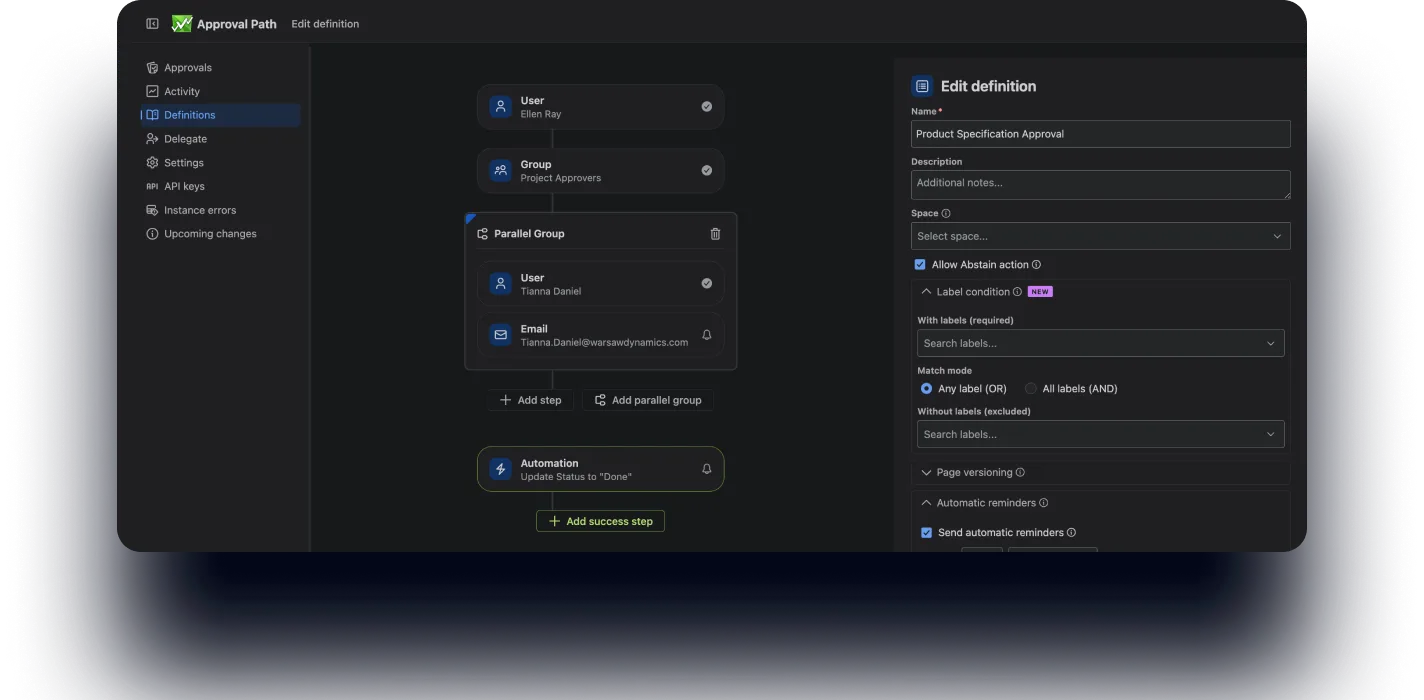
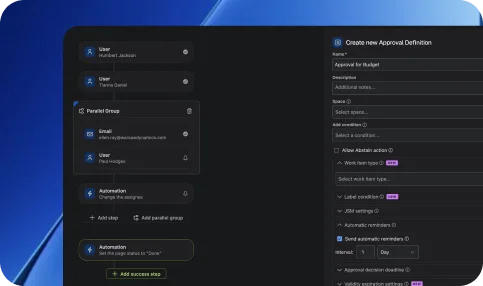
Design approval paths tailored to your content processes – from simple page reviews to complex multi-step approvals.
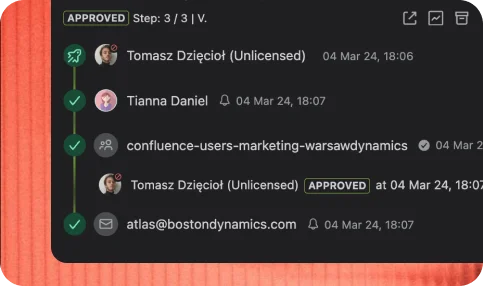
Track approval progress across pages in real time – see who reviewed, approved, or is blocking the process.
Manage approvals for documentation, knowledge bases, policies, and internal content – all directly in Confluence.

Keep a complete history of approvals, comments, and decisions – perfect for audits and governance.
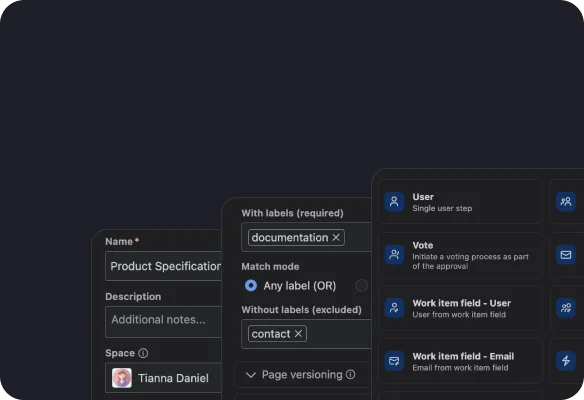
Combine users, groups, votes, external reviewers, automation, webhooks and AI steps into reusable approval definitions.
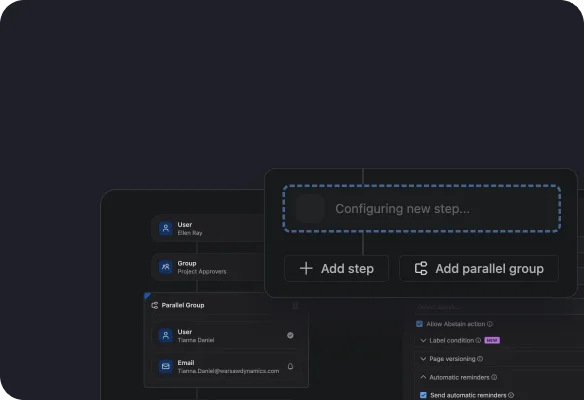
Choose users, groups, or emails and define approval logic – sequential, parallel, or conditional.
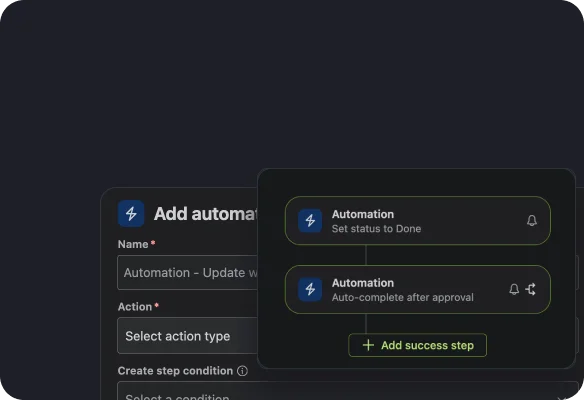
Automatically update statuses, notify reviewers, and move content through the approval flow.
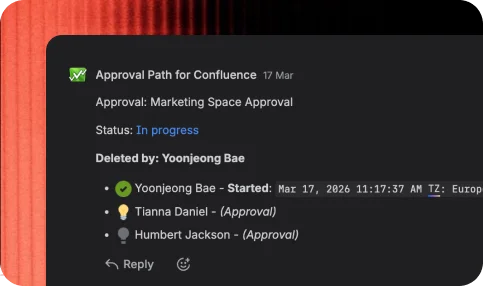
Monitor approvals in real time — track comments, decisions, and progress across your pages.

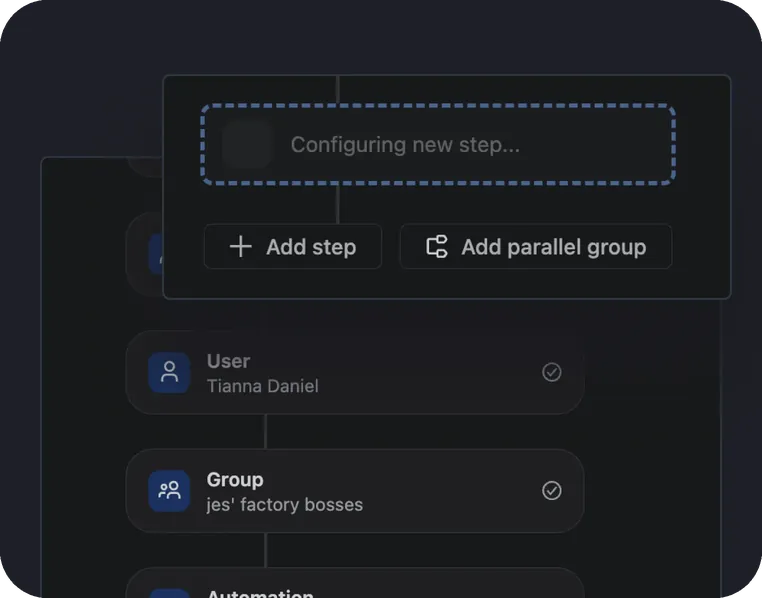
Create structured approval flows for any type of content.
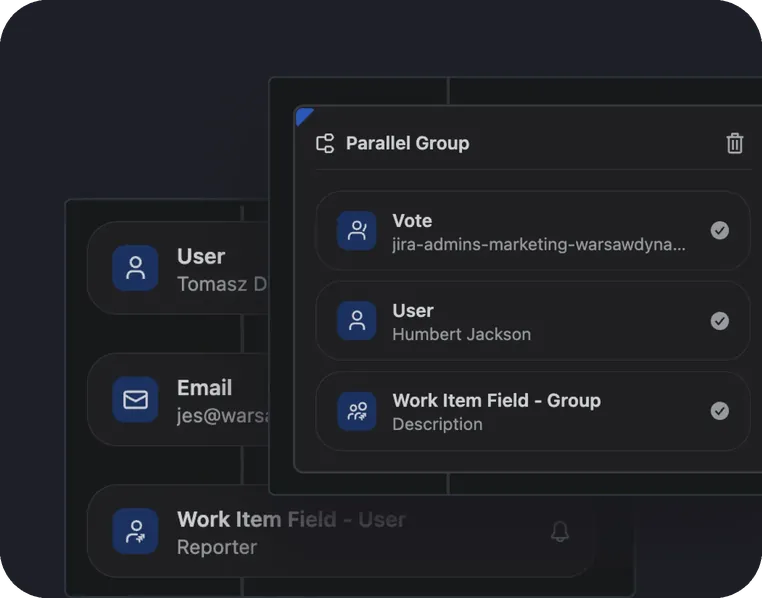
Run approvals in order or simultaneously depending on your workflow needs.
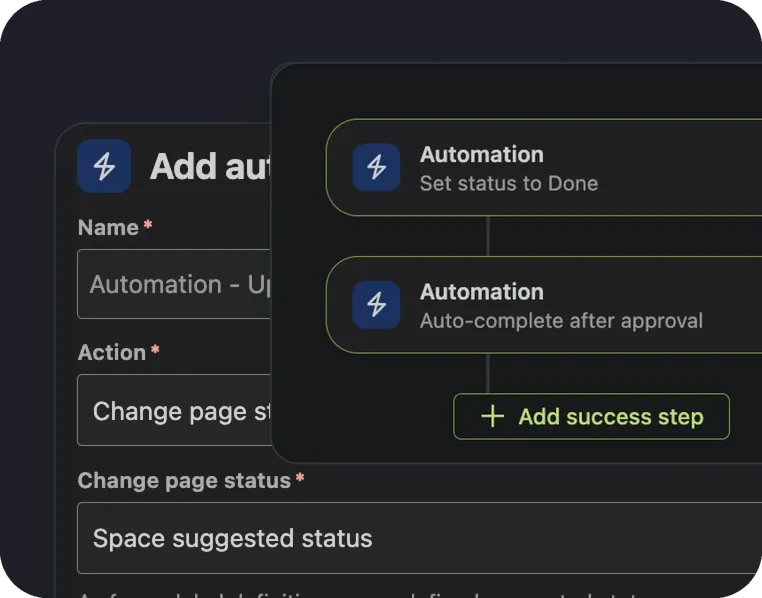
Automatically notify stakeholders and reduce manual follow-ups.
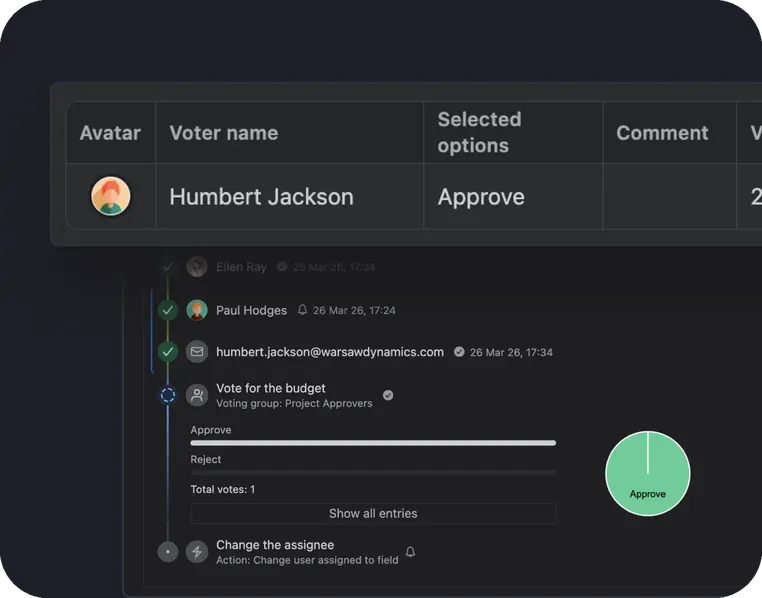
Enable group approvals with voting logic and thresholds for better collaboration.
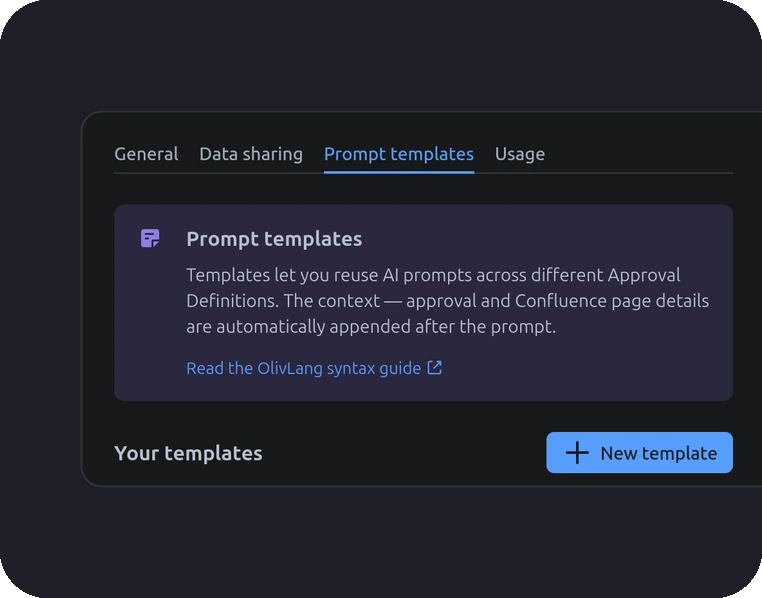
Use an AI Prompt Step to summarize content, flag missing information or prepare relevant context before the human reviewer is asked to approve it.
Track approval progress and maintain full visibility over content workflows.
Content approvals: ensure pages and knowledge base content are approved before publishing.
Documentation workflows: keep internal content accurate and up to date by structuring review and approval processes.
Compliance workflows: maintain controlled approval processes for policies, audits, and regulated documentation.
Change management: approve updates to documentation and internal pages before they go live to reduce errors.
Cross-team collaboration: align teams and stakeholders with transparent approval processes directly in Confluence.
Approval Path for ConfluenceInsights and stories that highlight our product evolution, customer success, and partner collaborations.
Automate review workflows and keep your content accurate, compliant, and up to date.