Use Macros to Customize Agreements in Confluence: Contract Signatures
Are you using Contracts Signatures for Confluence to create contracts, agreements, or documents that need signatures? With our set of macros, you can build fully customized contract templates, manage them easily, and collect signatures from people who don’t have access to Confluence. Before we dive into the macros, you can check out the User Guide on how to create and use contracts in Confluence. Using Macros Together: Example Use Case Here is an example contract we just created, Service Level Agreement.
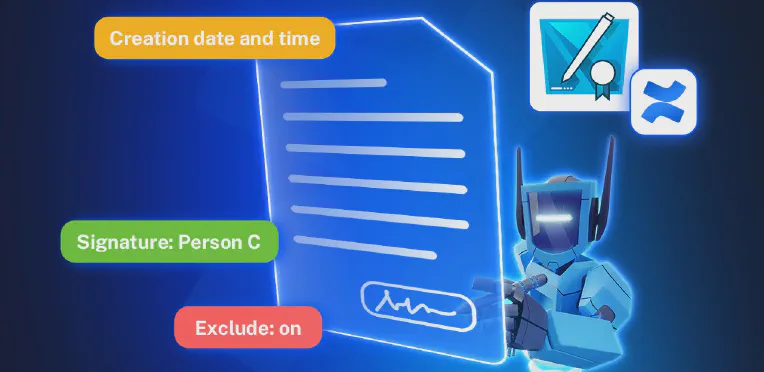
Easily Create Contracts in Jira or Confluence, Keep Track of Everything in Your Workspace
What Is Contract Signatures? Contract Signatures is an app available for Jira and for Confluence that lets teams create, send to internal users or to external user and sign contracts. Whether you’re in project management (Jira) or documentation and collaboration (Confluence), the app makes contract handling simple and connected. There are two separate apps: Contract Signatures for Jira Contract Signatures for Confluence How to Create Contracts in Jira or Confluence You can find full instructions in our documentation, but here’s a quick overview:
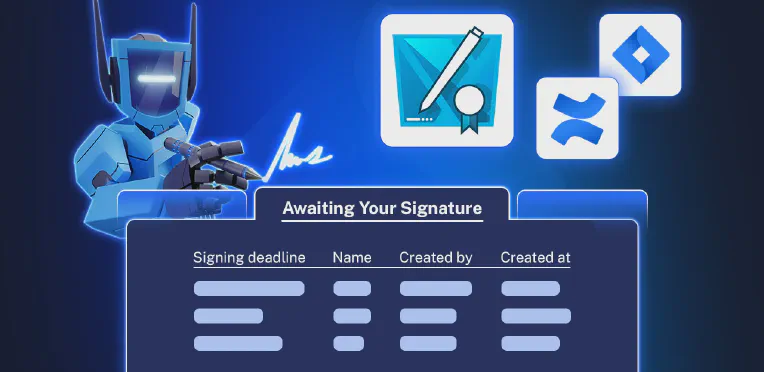
No Jira Account? No Problem. Here’s How to Vote on Work Items via External Share for Jira
Moving Beyond Jira’s Native Upvote Feature Voting feature helps you quickly gather feedback and prioritize work. Jira’s built-in voting lets internal users signal which work items (issues) are important by selecting the Vote button on a Jira work item. The total number of upvotes can then be seen by anyone with access to that work item. It’s simple, but limited. There’s no downvote option, and external users can’t participate.

Contract Management with Contract Signatures for Confluence
Contract management is a critical part of any business. When time sensitive contracts, cross departmental agreements, and external signatories are involved, it can be nerve-wracking to keep track of everything. Yet many organizations still rely on multiple tools, disconnected workflows, and manual tracking to get signatures. Contract Signatures for Confluence removes this friction by unifying the entire contract lifecycle into a single, secure workspace—Confluence. In this article, we will discuss how our app supports efficient contract management with e-signing customization, advanced filtering, external signing access, and more.
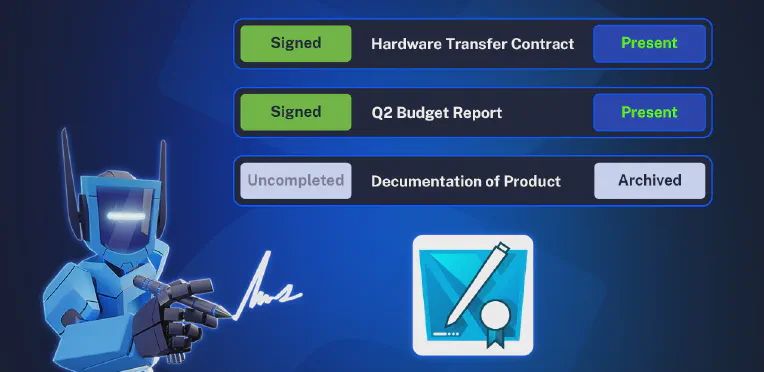
Enhancing Bug Reporting to External Developers with External Share for Jira
Today in JES’s Factory things are not going smoothly. The CNC machines have a hard time communicating with the server after a recent software update. The developers can’t figure out the issue on the Factory’s end, so the only option is to get in touch with the hardware company. Fortunately for them, the CNC provider uses External Share for Jira to swiftly communicate such issues. The Factory can report and fix issues faster by using a secured link with the JES Factory developers, bypassing the customer portal and waiting for a CS representative to create an issue.